for the pile on top of the fridge
Keep every drawing, without keeping every piece of paper.
Point your phone at a drawing and Momora straightens it, frames it and hangs it on your family timeline, with a little card saying who made it and how old they were. A whole stack from school becomes one memory you can walk through.



Or scan to get it on your phone.
In the Momora app on iPhone and Android.

A minute at the kitchen counter.
Scan
Tap scan artwork and point your camera at the drawing. Your phone finds the edges and flattens it. Do up to 10 in a row.
Tag the artist
Pick who made it and give it a title, or say one out loud. “Mama, with flowers” is plenty.
It's on the wall
Each piece swings onto its own nail, framed, with a placard: their name, their age, what they used. Then the paper can go.
The fridge, but forever.
Every piece hangs in a hand-drawn frame: scalloped, gingham, ric-rac, bobble. No two look the same, so a year of drawings feels like a little gallery, not a camera roll. Go on, nudge one.
Watch their drawings grow up with them.
Because every piece is saved with the artist's age, you can scroll from the first purple scribble to the rocket with handprint stars. Their art sits right next to the photos and stories from the same week, so you remember why they drew it.
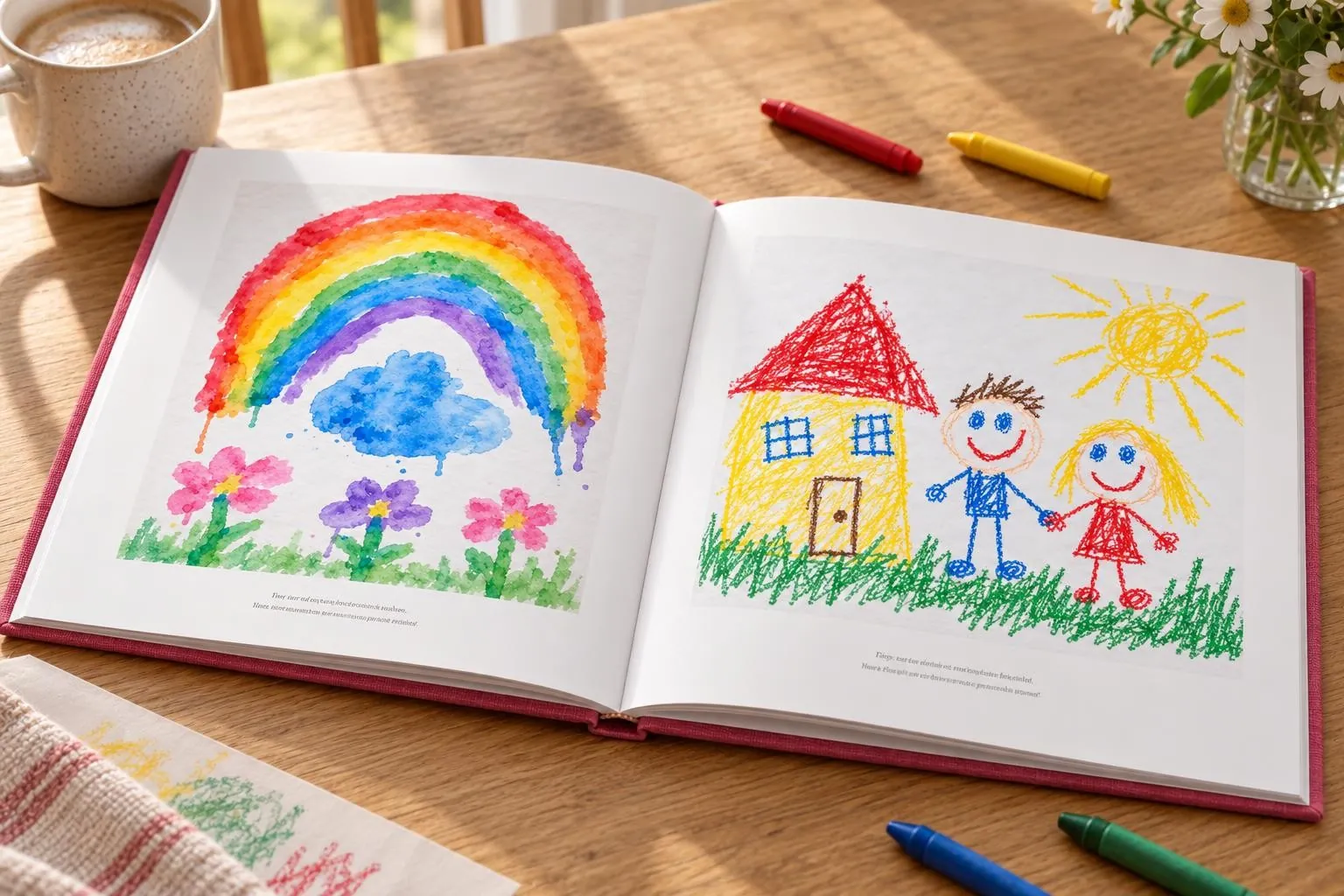
- Appears in printed books and family films like any picture
- Grandparents see new pieces the day you scan them
- Search finds it later: try “dinosaur”
Good to know
- What you need
- The Momora app on iPhone or Android, up to date. No scanner. Android downloads a small scanning add-on the first time.
- How many at once
- Up to 10 pieces per memory. Scan more as separate memories any time.
- Frames
- Chosen automatically for each piece from six styles and six colors.
- Private
- Only your invited family can see their art. Export everything whenever you like.
Questions parents ask
Do I need a scanner?
No, just your phone. Momora uses your phone's built-in document scanner, which finds the edges of the paper and straightens it, even if you took it at an angle on the kitchen table.
Can I scan a whole stack at once?
Yes. Scan up to 10 pieces in one go and they become one memory you can swipe through, like walking along a gallery wall.
How does it know who drew it and how old they were?
Tag the artist like you would in any memory. The label under the frame shows their name and their age on the day you saved it, and the title you type becomes the name of the piece.
Can I choose the frame?
Not yet. Every piece gets its own frame, picked from six hand-drawn styles in six colors, so no two hang the same. Momora also suggests what it was made with, like crayon or watercolor.
What about clay models and 3D crafts?
The scanner is made for flat paper. For a sculpture or a macaroni necklace, take a photo and save it as a normal photo memory.
Will their artwork show up in the printed book?
Yes. Scanned art is treated like any other picture, so it can appear in your printed books, your family films and on the shared timeline.
Who can see it?
Only the family members you invite. Grandparents can see each new piece the day you scan it, and react or comment.
the fridge is full again, isn't it
Keep the drawing. Recycle the paper.
Download Momora and scan the stack on the counter tonight. It takes about a minute.
Or scan to get it on your phone.