

Qeepsake review: the verdict for busy parents
"I have 4,000 photos of her. I couldn't tell you what she said the first time she saw snow."
Plenty of parents are in that spot. The photos save themselves. The story behind them doesn't. This is a single-product review of Qeepsake, built from its official pages and attributed user reports, to help you decide whether it fits that gap.
Qeepsake is a prompt-led journal: it sends you questions on a schedule, saves your replies by date, and lets you add photos and video. If you'll answer a text but never open a blank baby book, that design works in your favor.
The tradeoff is cost structure. Qeepsake runs on a subscription, and printed books cost extra. As of October 2026, annual plans are $47.88 for Essential and $95.88 for Premium, each with a book credit. Books, shipping, and extra pages are billed on top.
Leaving is the other thing to weigh. Qeepsake's help center says you can still view entries after canceling, but you can't print new books. Some users report billing and access trouble after trying to cancel.
Our take: Qeepsake is a good fit for parents who like reminders and don't mind a yearly fee. If you mainly want a finished printed book, or a low ongoing cost, it's a weaker match.

How Qeepsake works: texts in, journal out
"I'll remember the wave. I'll write it down tomorrow." You won't. Qeepsake is built around that problem.
The core loop runs over text messages. Qeepsake texts you questions on a schedule, you reply, and the reply becomes a dated journal entry. You can also write freely without a prompt. The company calls these spontaneous entries. The app is the second channel. It's where you see daily and missed questions, edit, backdate, organize, and add photos to existing entries.
Here's an illustrative example. Maya is eight months old and waves for the first time at bedtime. Her dad texts Qeepsake: "Waved at the ceiling fan. Then at me. Fan got the first one." He texts a photo too. Two days later he opens the app and backdates the entry to the right night. The whole process uses texting and the app, nothing else.

Your plan sets the limits. As of October 2026, Essential allows two questions a day, 50 photo uploads a month, 200 spontaneous entries, and two journals. Premium raises those to four questions, 100 photos, 500 entries, and unlimited journals. All limits reset monthly. A busy month of photos can hit the Essential cap.
Sharing also depends on your plan. Family Contributors are Premium-only. A contributor gets their own questions, can text entries, and has their name shown beside what they add, including in the book. Other relatives can receive weekly recap emails. The privacy policy says entries are private to the account holder, and it also allows authorized staff of Tinybeans, Qeepsake's parent company, to access journal information for support and product work.
Our view is that the texts help if a prompt gets you to write. If you already ignore 40 unread messages, it's one more thread to ignore. Qeepsake is listed on Google Play and the App Store. A store listing shows you can download the app. It doesn't tell you how quickly support will answer a billing email.
Turning saved entries into a printed Qeepsake book
"The wave is saved. So is it in the book now?" Not yet. A saved entry lives in your journal. Getting it onto paper is a separate purchase with its own steps.
Qeepsake prints Journal Books in two sizes. The softcover is 8.125 × 6.50 inches and the hardcover is 10 × 8 inches. Books max out at 298 pages. If your journal runs longer, you order more than one book.
To order, you tap Shop, pick a journal and a date range, choose customizations, preview, and check out. You can't skip the preview. It shows the cover, the dedication page, and your entries. Maya's dad would pick the month of her eighth birthday and find the fan entry there, in date order.
During the preview he can edit text and photos, add or remove photos, reorder or remove entries, and add captions. If he favorites the wave, it gets a full page. Qeepsake also lets you set a font accent color, choose whether the journal age appears, and add photo borders. That's the full set of design controls Qeepsake lists. Parents who want to place every photo by hand should look closely at the preview before paying. If photos matter more than text prompts, our Chatbooks review explains its print-first approach.
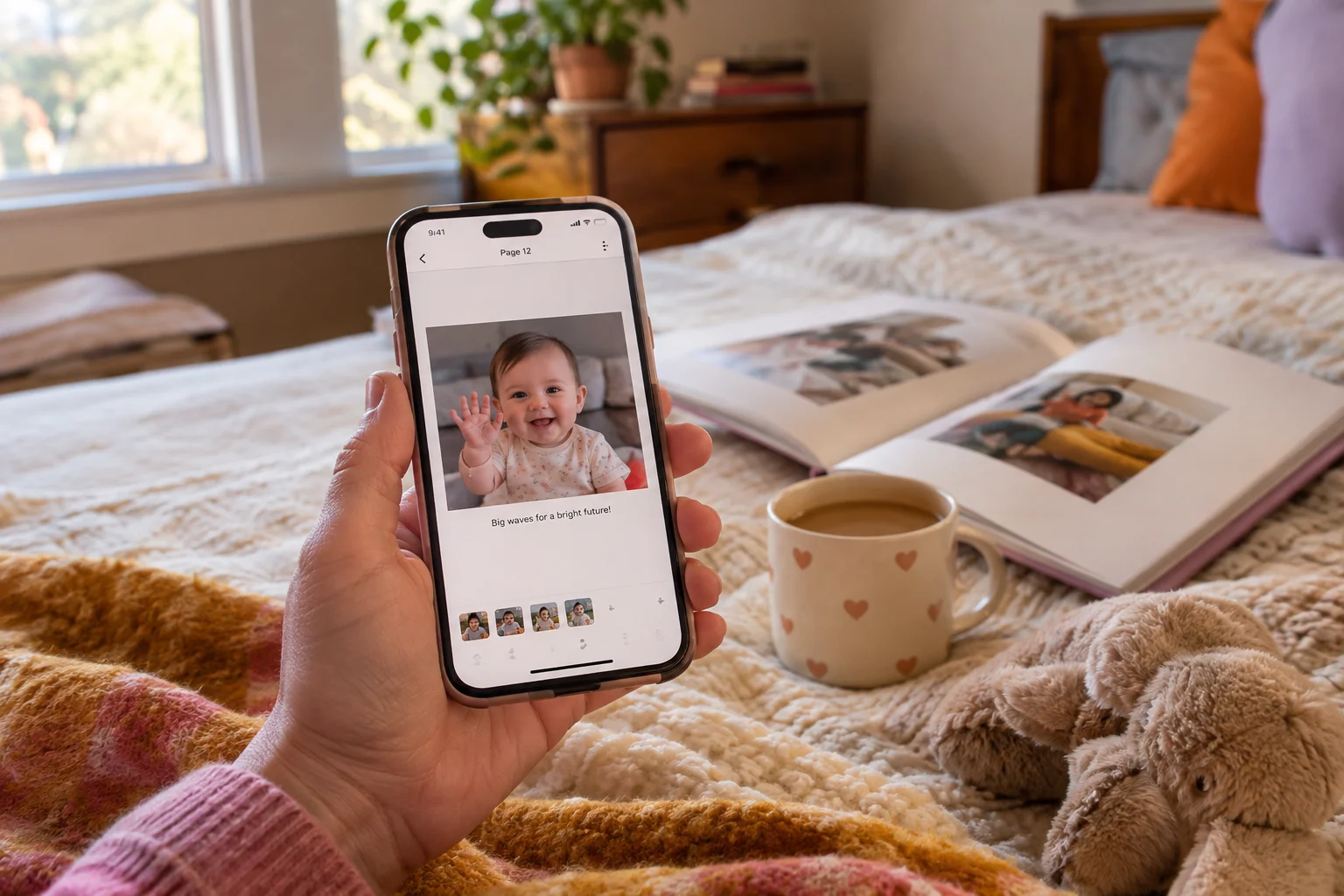
Timing affects what gets printed. If you edit your journal after a book is in the cart, the cart copy stays the same. You have to remove the book and add it again. After you submit the order, you can't make any more edits.
Photos can also cause surprises. Qeepsake says the preview is a scaled-down replica, and photos sent by text may print smaller than you expect. It recommends re-uploading those photos through the app. It also warns that prints can look darker than they do on a bright screen. That would apply to the fan photo, which Maya's dad sent by text at bedtime.
Chapter Books follow a different rule. They need at least 30 answered prompts before they can print.
What Qeepsake costs for a year of memories and a printed book
"So is it five dollars a month, or more once the book shows up?" Both, depending on what you buy. The membership and the printed book are separate purchases, and shipping is added on top of the book.
All prices below are as of June 2026, taken from Qeepsake's official pricing and help pages.
| Item | Price (as of June 2026) | What's included |
|---|---|---|
| Essential, monthly | $4.99 per month | No book credit |
| Essential, annual | $47.88 per year | $19.99 book credit |
| Premium, annual | $95.88 per year | $61.99 book credit and a free 10-print Photo Card pack |
| 30-page softcover | $19.99, plus $0.60 per extra page | |
| 30-page hardcover | $39.99, plus $0.95 per extra page | |
| Shipping, U.S. | $12 per order, plus $2 per extra book | |
| Shipping, Canada | $15 per order, plus $2 per extra book |
For Premium on monthly billing, check Qeepsake's site for current pricing.
The annual plans are charged once a year. If you divide them by 12, Essential works out to $3.99 a month and Premium to $7.99. Qeepsake says annual billing saves 20% compared with paying monthly. Annual members also get a book credit, and they have to use it before the membership term ends. The Premium credit only applies to an order worth at least $61.99. A single 30-page softcover won't reach that amount, but a 60-page hardcover, at $68.49 before shipping, will.
Maya's family can keep a year of entries on Essential for $47.88 if they pay annually, or $59.88 if they pay $4.99 every month. The book is a separate cost. A 30-page softcover shipped in the U.S. comes to $31.99 before tax. A hardcover of the same length comes to $51.99. If Maya's dad doubles the hardcover to 60 pages, the total reaches $80.49. Qeepsake doesn't say whether the book credit can be applied to shipping or tax, so expect the checkout total to differ from the credit amount. Canadian orders may also owe duties or customs fees, and Qeepsake doesn't cover those.
If you mostly want the reminders and a place to put captions, the annual Essential plan is the cheaper way to stay, and its credit roughly covers the base price of one softcover. If you expect a thick hardcover each year, the book and shipping can cost about as much as the membership. Add the two together before you decide which plan fits.
Canceling Qeepsake: billing, refunds, and what stays in your account
"If I stop paying in a year, do I lose everything?" Your entries don't vanish when you cancel. A few details depend on how you pay. Qeepsake's help center and terms, checked June 2026, answer most of it.
| Question | Answer |
|---|---|
| How do I cancel? | Direct billing: Billing & Plans, then Manage Subscription, or contact support. Apple or Google Play: cancel in that store's settings. Deleting the app doesn't cancel. (Cancel guide) |
| When must I cancel to avoid renewal? | By 5:00 p.m. Eastern, at least three business days before the renewal charge. (Terms of service) |
| Do I get money back? | No refunds, except free cancellation during the 7-day trial. App store refunds go through Apple or Google. (Cancel guide) |
| Does my plan end right away? | Canceling stops the next renewal. The plan runs until the renewal date unless you close the account sooner. (Cancel guide) |
| Can I still see my entries? | After a trial cancellation, you move to Lite. Entries stay viewable, features are limited, and you can't print new books. (Terms, trial guide) |
| Is canceling the same as deleting? | Closing the account is a separate step, handled under a policy for removing personal information. (Terms of service) |
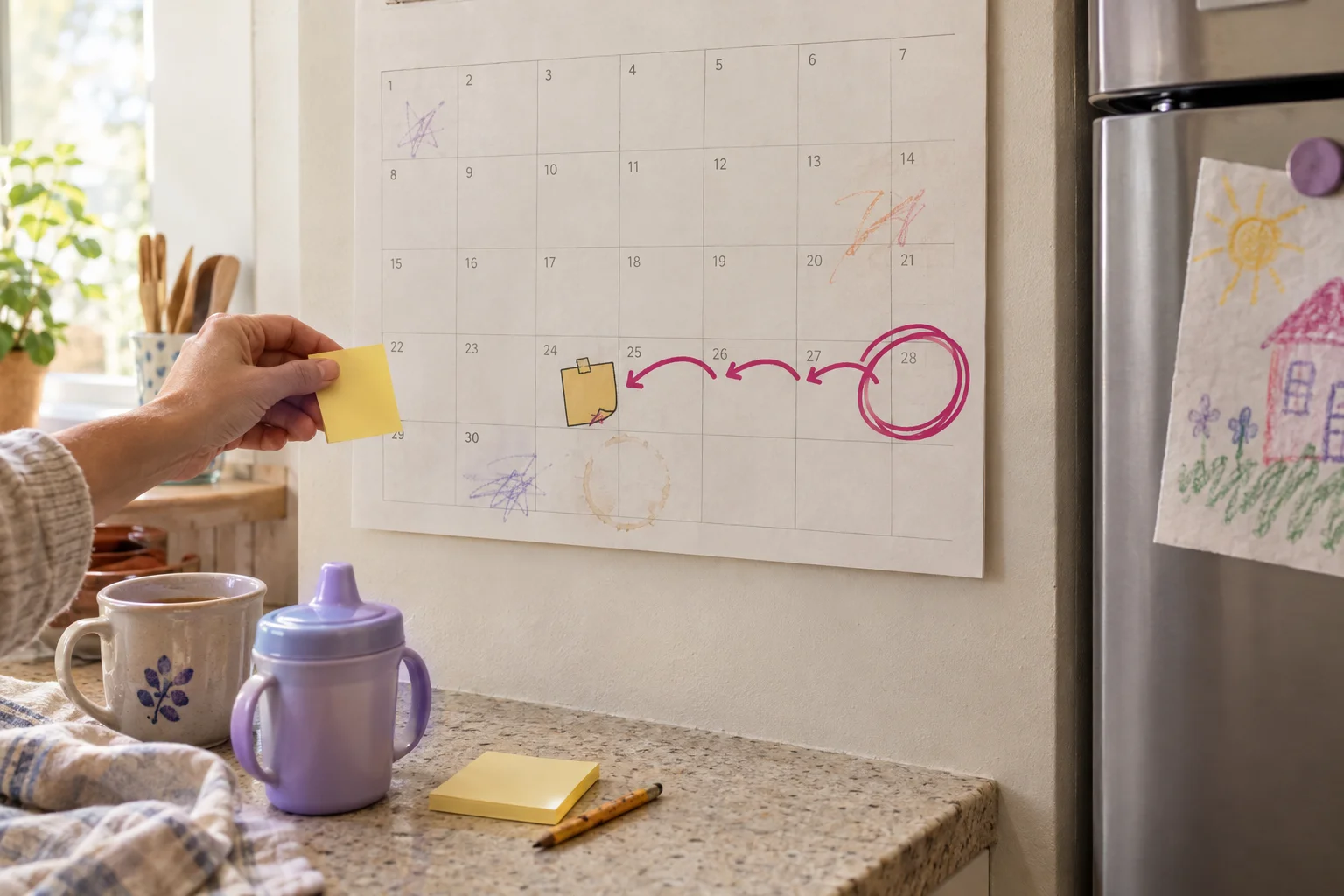
Qeepsake describes what trial cancellations keep. It doesn't say what a former paid member can edit, share, or print once the term expires.
Export has the same gap. A comparison site reports a website data export under Account Settings. Qeepsake doesn't say what file format you get, how long it takes, or whether your original photos and videos come with it. Entries you can view in an account aren't a backup on your own drive. A printed book isn't one either.
If you want your own copy of the files, ask Qeepsake about export format and post-expiration access before you pay for a year.
Who Qeepsake suits, and who should skip it
"Will I actually use this, or is it one more thing I'll feel bad about?" That depends mostly on how you respond to reminders.
| Strengths | Tradeoffs |
|---|---|
| Qeepsake sends text prompts, so you answer instead of starting from a blank page (features) | It's a membership, and books cost extra on top (pricing) |
| You can edit, backdate, and organize entries, and family contributors can add their own | One reviewer found the layouts constrained and the pages text-heavy (CorporetteMoms) |
| Your entries become a draft of a book that you can then edit | After a trial cancellation, you can't print new books from Lite (trial guide) |
The left column is what Qeepsake says about itself. The right column mixes Qeepsake's own pricing and policy pages with one person's review.
My take: Qeepsake suits the parent who answers texts at bedtime without thinking about it. Maya's dad replies to a prompt in 20 seconds, and by her first birthday he has a dated record he would never have written from scratch. The same prompt-led workflow helped the CorporetteMoms reviewer record stories she says she would otherwise have skipped.
It fits less well if you want a scrapbook-style book with heavy photo design, if you'd rather pay once, or if you might stop paying before the book is ordered. One app-store reviewer describes struggling to order a book after their payments stopped. Support eventually allowed a one-off order. That's one account, not policy, but it is a reason to order the book while your membership is still active.

How to tell if a different baby-book app fits better
"Qeepsake sounds fine, but is it right for us?" Run it against a few checks.
Capture effort comes first. Qeepsake works best if daily text prompts get you writing. If you'd rather save things only when they happen, look for an app built around quick capture.
Ongoing cost is next. Monthly Essential is $4.99 and Premium is $9.99 as of August 2026, and books are billed separately. If you print a book, add the book price to a year of membership.
Printing and design come after that. Qeepsake's book editor gives you covers, dedications, full-page memories, and eight accent colors. That's enough for some parents and too limited for others.
Last, sharing and export. Family Contributors can add text entries on Premium. Qeepsake doesn't publish a general export of all your entries, so ask about that before you commit years of stories.
We make Momora, a private digital baby book and family memory app for iOS and Android. Our apps like Qeepsake guide covers more options.
Three checks before you start the Qeepsake trial
Picture Maya's dad again, phone in hand at bedtime. Would a nightly text prompt get that wave saved more often than his camera roll would? If yes, Qeepsake is a reasonable pick. If prompts would pile up unanswered, it probably isn't.
Before the seven-day trial turns into a paid membership, check three things.
- Capture method. Will you actually answer text prompts most nights?
- Budget. Add a year of membership, $47.88 or $95.88 annually as of August 2026, to the book price and shipping.
- Exit terms. Cancel three business days before renewal. No refunds. After canceling you can view entries, but you can't print new books.
Read the current pricing and help pages, then decide at your own pace.