

Finding a Qeepsake alternative that fits how you save memories
Say it's Saturday night. You have 40 photos from your daughter's second birthday and a note on your phone that says "she called the cake a hat." Grandma has texted twice asking for pictures.
The right app for you depends on what you'll do with those three things on a tired Tuesday, not on how organized you hope to be by spring. Digital baby journals and memory-book apps do the same job as a paper baby book: they keep milestones and family stories. You just don't have to find a pen.
Qeepsake is the usual reference point. It texts you age-based prompts. You reply by text, and Qeepsake files your answer by date. You can also text a photo or a memory without waiting for a prompt. The mobile app handles everything else, including missed questions, backdated entries, and organizing. As of October 2026, annual plans cost $47.88 for Essential and $95.88 for Premium.
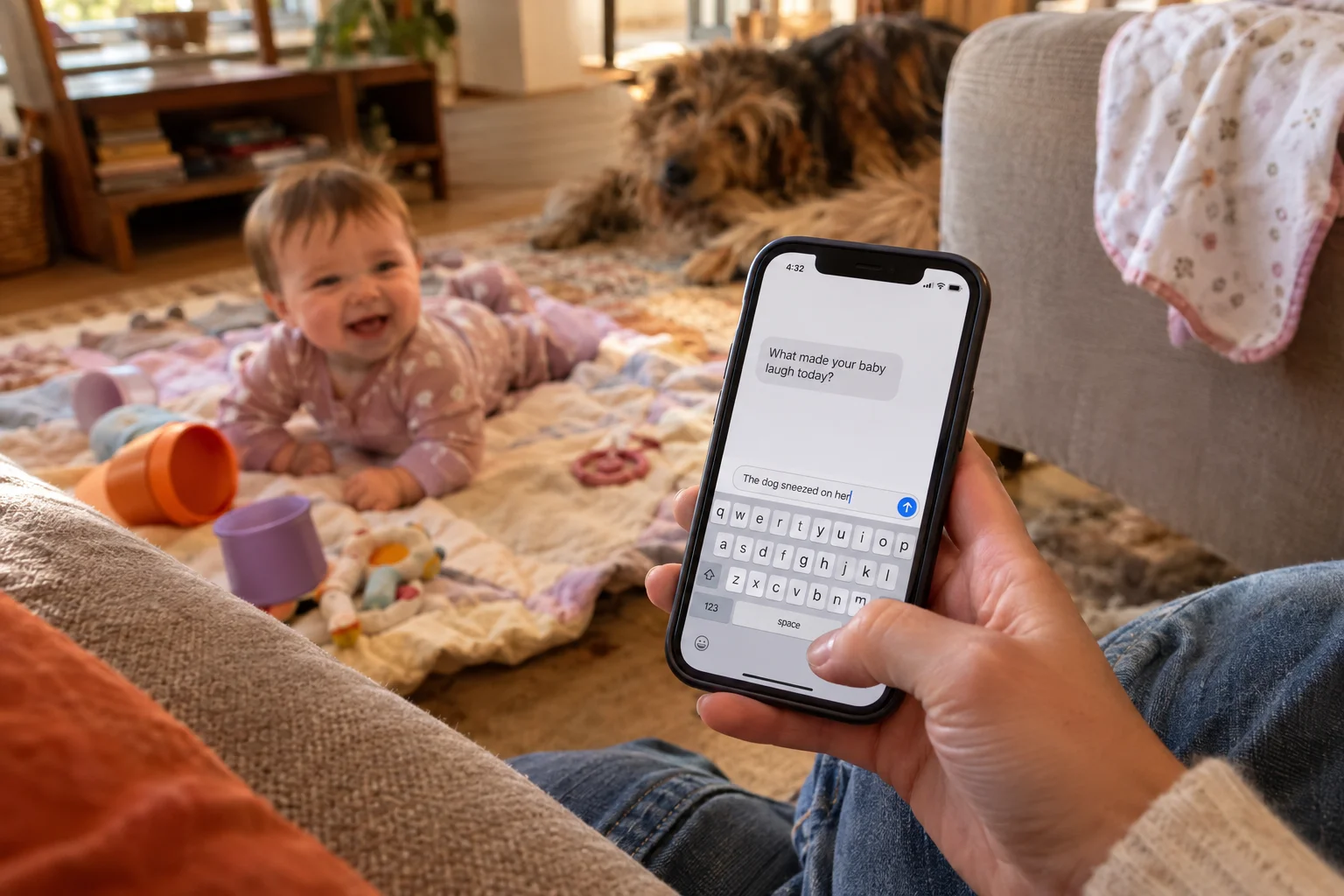
Replying to a text and opening an app are two different habits. If you answer texts without thinking but leave app badges sitting for weeks, that difference will decide whether the memories get saved. The alternatives below each ask for a different kind of effort. Our Qeepsake review covers the prompt system, book costs, and cancellation terms in more detail.
Qeepsake and four alternatives, side by side
Five apps, compared on how you capture a memory, how relatives see it, and whether it can end up in print. We checked each app's site, help center, and app store listing in October 2026. The order follows the article and isn't a ranking.
We make Momora.
| App | How you capture | Private family sharing | Path to a keepsake | Best for |
|---|---|---|---|---|
| Qeepsake (baseline) | Reply to SMS prompts or journal in the app | Family journal | Books from $19.99 softcover, $39.99 hardcover for 30 pages | Parents who answer texts faster than they open apps |
| Tinybeans | Upload photos and videos, singly or in batches, sorted by date | Private family album | Photo books | Regular photo updates for relatives |
| FamilyAlbum | Upload photos and videos to a shared album | Album admins and invited members | Prints and photobooks | Sharing photos with grandparents |
| Momora | Type, record a voice note, or add photos and video in the iOS and Android app | Private timeline for invited family | Digital timeline with full export | Stories, quotes, and voices next to photos |
| Chatbooks | Pick photos for a book or Monthbook, add captions | Printed copies you send | Physical photo books | Getting photos onto paper |
Qeepsake is the only app here built around text-message prompts. With the other four, you open an app and add things yourself. The sections below cover subscription and print costs where available; check each provider for current pricing.
1. Tinybeans: a private journal for regular family updates
"Grandma keeps asking if there are new pictures. There are 400. None of them have left my phone."
Tinybeans fits parents who want relatives to see what's new without forwarding every photo one at a time. It's a private family journal for photos, videos, captions, and milestones, and the family-update side is built in. Followers can get daily updates, flashbacks, and weekly summaries.
To save the birthday photo, you open the app or website, upload the picture, and type the funny quote as its caption. The quote stays attached to the photo. Nothing prompts you by text message. You decide when to post and what to write.

Only people you invite can see the journal. Each follower gets their own login and sees everything except the memories you mark hidden. They can react and comment in the app or reply from the email updates, so Grandpa doesn't have to learn a new app to say something nice.
The free plan includes 20 photo or video uploads a month and shows ads. As of October 2026, Tinybeans+ costs $7.99 a month or $74.99 a year. Paid members get unlimited uploads, videos up to five minutes, and 2TB of storage. If you cancel, your existing memories stay, and the account goes back to the free limits and ads.
For print, iPhone users can tap the Store icon in the app to make photo books and calendars from journal photos. The books are hardcover or softcover on 100-weight glossy paper. Videos stay digital.
Tinybeans is best for parents who post often and have relatives who want a steady stream of updates. The limitation is the free plan's 20 uploads a month. One birthday party could use most of them. Read our Tinybeans app review for a closer look at sharing, costs, and exports.
2. FamilyAlbum: photo and video sharing for the whole family
"My mother-in-law wants every photo from the party. Every single one."
FamilyAlbum suits parents whose main job is getting photos and videos to relatives. It's a photo and video sharing app built around a child's memories, and the free version allows unlimited uploads, with videos capped at two minutes.
To save the birthday photos, you open the app and upload them. There's no text-message prompt and no in-app question asking about the day. The funny quote goes in as a comment on the photo, because comments attach to specific uploads. Premium adds monthly journal entries, but the app is still built around media.
Album Admins decide who joins, who can upload, and whether a given photo goes to the whole family or stays visible to Admins only. Relatives can join from a link and view, download, and comment in a browser without installing anything.
As of October 2026, Premium Family costs $5.99 a month or $59 a year. One subscription covers everyone in the album. Premium Family Pro, at $10.99 a month, adds high-quality video uploads and tags. First-time subscribers get a one-month free trial.
For print, the app suggests monthly photobooks, and you can build your own. Photobooks run $7.99 to $59.99, depending on size and cover. Individual prints are also available. Each order holds only one photobook design.
FamilyAlbum is best for families who mainly want to share photos and videos. The limitation is the written record. Quotes and stories live in comments under photos, and nothing shows those comments printing as text in the books. Tinybeans works the same way for captions, so check either app's book preview before you count on the quote making it to paper. Our FamilyAlbum review explains its free plan, Premium extras, and download limits.
3. Momora: an in-app baby book with dictation and family sharing
"I'll write down what she said later." Later is usually never.
We make Momora, so weigh this section with that in mind. It's a private baby book app for iOS and Android where you add memories yourself. Nothing arrives by text.
For the birthday, you open the app, pick up to 10 photos or videos, and add the quote. You can type it or dictate up to two minutes by voice. Before you save, you review the text and the suggested family tags. That's one more step than replying to a Qeepsake text, because you have to remember to open the app. Momora has no streaks or reminders. Some parents like that. Parents who need a nudge will miss Qeepsake's prompts.
If you forgot last year's party, you can change a memory's date so it lands in the right spot on the timeline. Entries go on a searchable family timeline. You can invite relatives to a private shared space where they view memories and interact with them. The privacy policy covers how family data is handled.
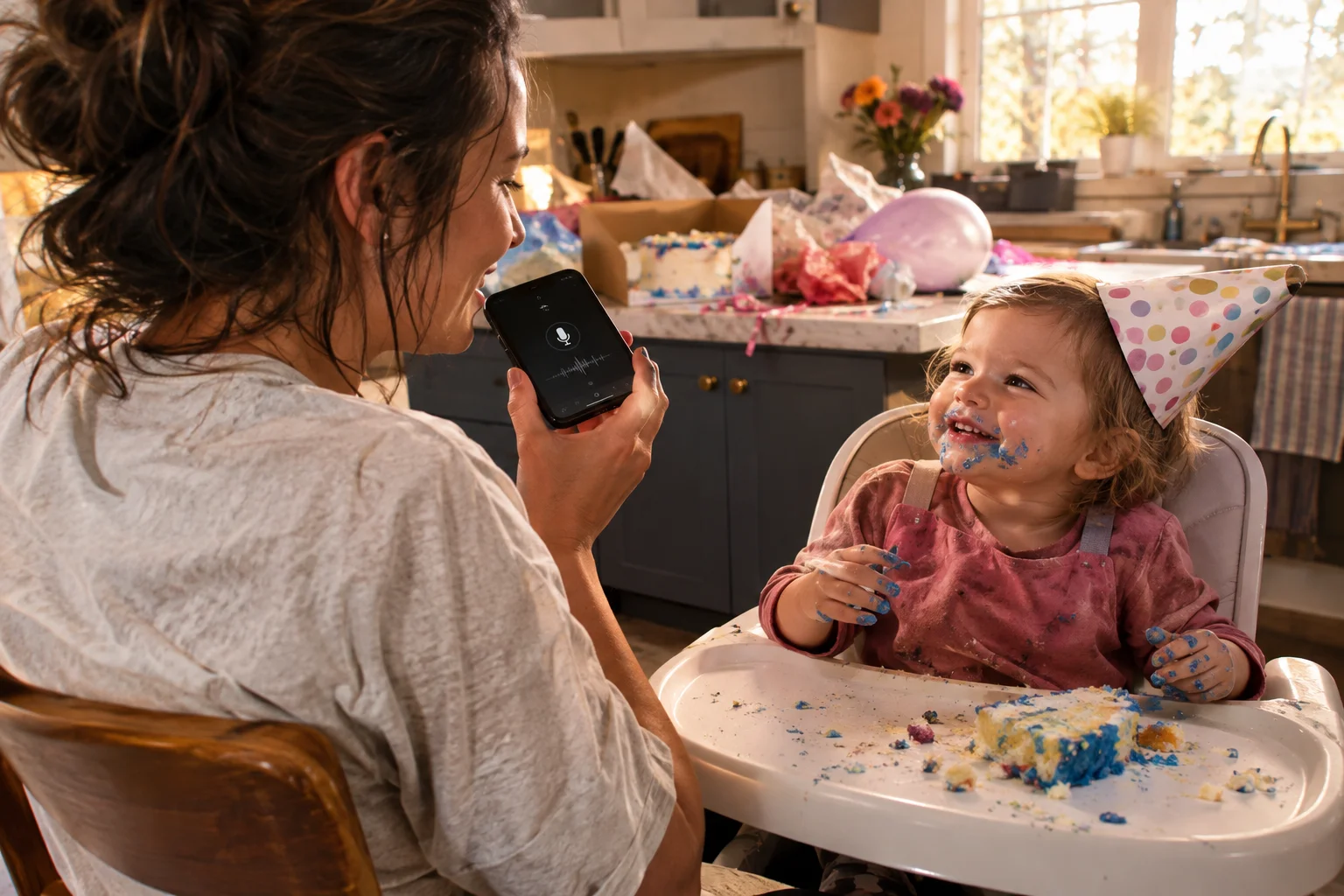
For print, Momora offers annual memory books with photos, optional illustrations, and your written words, so the quote can reach paper as text. Book pricing, shipping, and ordering details appear at checkout or in the app. The app is free to download with in-app purchases. Momora publishes U.S. list prices of $99.99 a year or $12.99 a month for Momora Plus. The family owner pays; invited relatives do not need separate subscriptions. Check the app listing for local prices and current terms.
Momora is best for parents who would rather say a story out loud than type it, and who want words and photos together in a yearly book. The limitation is the habit. With no prompts, the memories you save depend on you opening the app.
4. Chatbooks: a photo-book service for parents who want print first
"I just want the birthday photos in an actual book before she turns two."
Chatbooks fits that goal. It has no text prompts and no running journal. It has two ways to get photos onto paper: one-time Classic Books and recurring Monthbooks subscriptions.
For the birthday, you start a Classic Book, select the party photos, arrange them, pick layouts, and order. You can add captions, so the funny quote can go under the cake photo. The video and a fuller story need somewhere else to live, like your camera roll, a notes app, or one of the apps above.
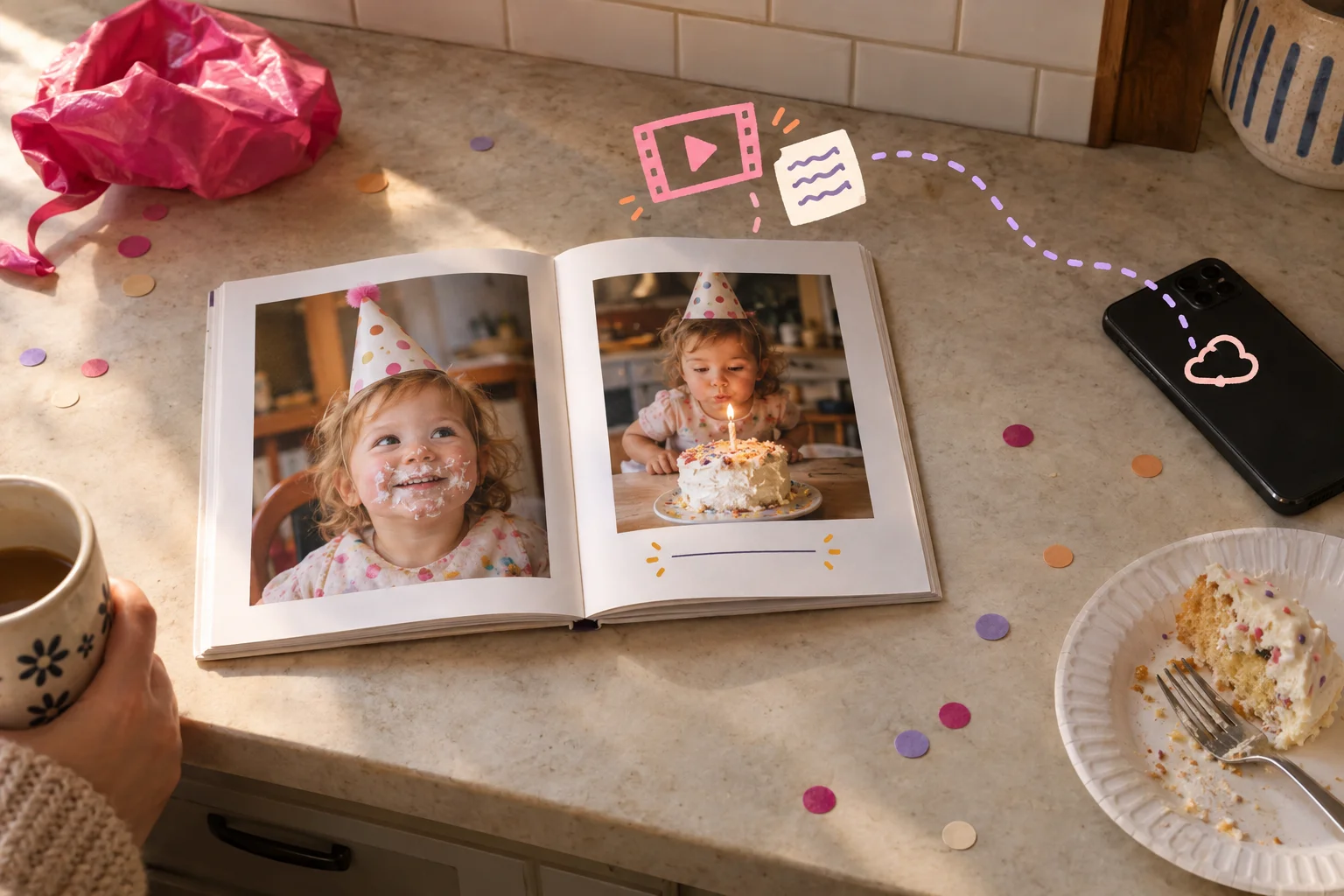
Sharing works differently here. Relatives see the finished book when you mail or hand them a copy. They don't follow a private timeline between orders.
As of 2026, Classic Books cost $15 for a 6×6 softcover and $35 for an 8×8 hardcover. Extra pages run $0.30 each at 6×6 and $0.60 each at 8×8. Those are base prices, so a thick 8×8 party book costs more than $35. Every order takes 3 to 5 business days to print and bind before it ships. If you subscribe, you can pause eligible plans for one billing cycle. The plan then restarts automatically.
Chatbooks is best for parents who already take good photos and want them printed without keeping a journal. The tradeoff is that it builds books, not a record. Quotes stay at caption length, and videos don't end up in the book. Our Chatbooks review breaks down subscriptions, checkout costs, and print tradeoffs.
How to pick a baby memory app you'll keep using
"Which one saves the cake photo, the quote, and the update to Grandma in the fewest steps?"
That depends on what you already do every day. If you answer texts but rarely open apps, try Qeepsake. The others here work inside an app. If relatives want regular updates, look at Tinybeans or FamilyAlbum. If you mostly want paper, Chatbooks prints books and leaves the ongoing journal to something else.
To compare cost, add a year of subscription, the book, any credit, and shipping. Qeepsake's Essential plan is $47.88 a year as of June 2026, with a $19.99 credit that covers a 30-page softcover. Add $12 US shipping and you're at $59.88 before tax. Ask how export and cancellation work before you commit.
If you'd rather save memories from your phone in about ten seconds, with no prompts, and share them on a private family timeline, take a look at Momora.