

Is FamilyAlbum safe for your kids' photos? The quick verdict
"Grandma wants every photo. I just want to know who else sees them."
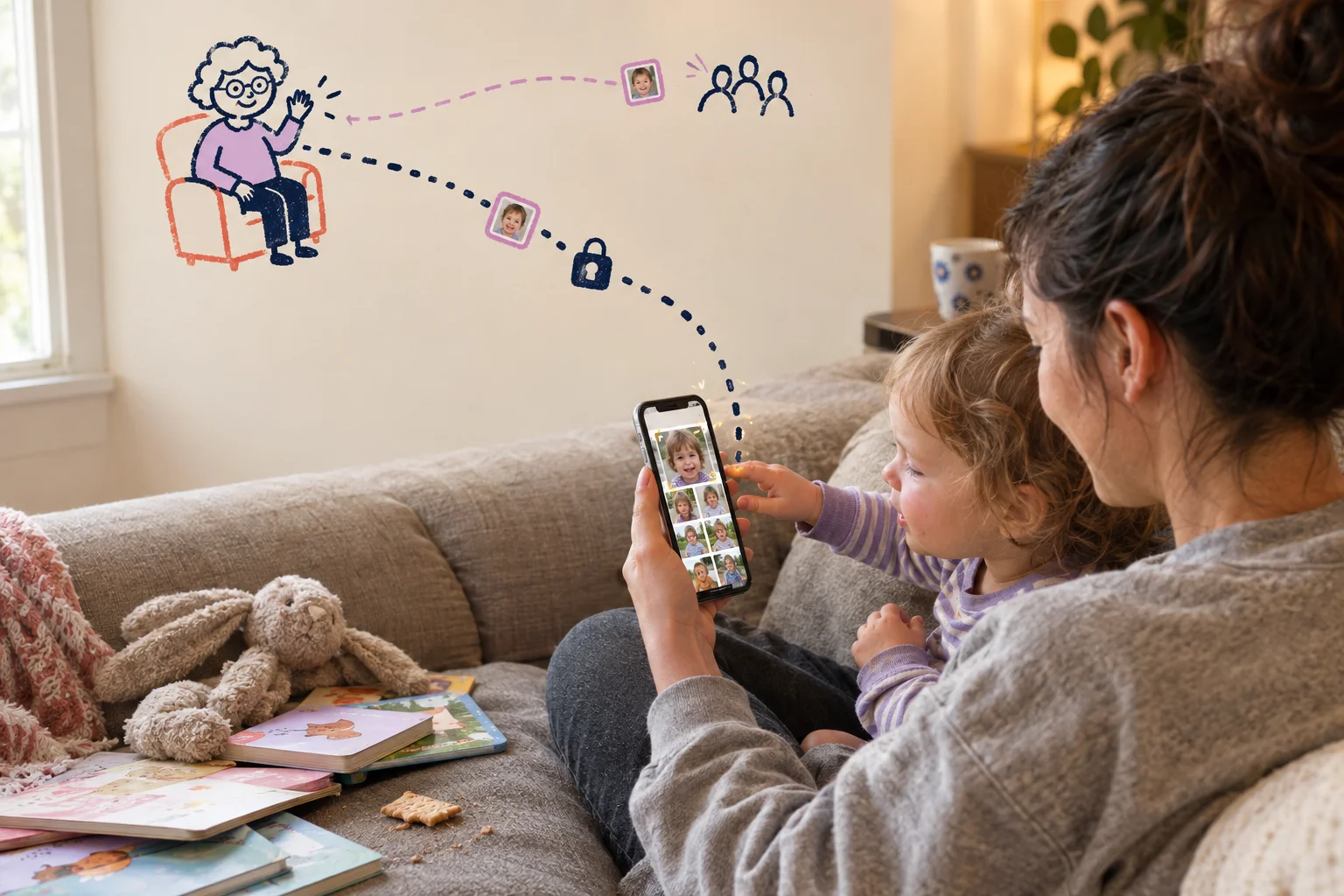
That's our example family. One parent, one toddler, about 3,000 photos since spring. Grandma lives two states away and asks for pictures every Sunday. Uncle Dave shares everything on Facebook, including, once, a photo of the toddler in the bath. So the group text is out.
FamilyAlbum is the obvious next step, and that's usually when the privacy question comes up. The app is invite-only, with no public feed, and you choose who gets in.
For most families, FamilyAlbum is a reasonable private place for kids' photos, and the trade-offs are clear. Invites limit who can see the album. They don't stop someone you invited from saving a photo and posting it somewhere else. Some features also scan faces automatically.
The rest of this review goes through FamilyAlbum one feature at a time and gives a plain verdict on each: sharing, AI, storage, data collection, the free plan, children's data, and leaving the app. For side-by-side comparisons of other apps, see our guide to the best private photo sharing apps for families.
Who can see your photos, and what invited family can do with them
"If I invite Uncle Dave, can he post the bath photo on Facebook?"
He can save it. Whether he can save it from the app depends on you.
Only the people you invite can see an album. FamilyAlbum's security page says uploaded photos and videos can only be viewed by you and those you invite. There's no public setting and no search that turns up your album. You send invites from Settings, then Invite Family. Grandma can join through the app or a web browser, or scan a QR code shown on your phone. The code is meant to be scanned in person, so don't post it anywhere.
Once he's in, Uncle Dave is a member. Admins decide what members can do. Members can't invite or remove anyone. They can upload only if an admin allows it. They can comment and download by default, and an admin can turn either one off. Any file he does download is a resized copy, not your original.
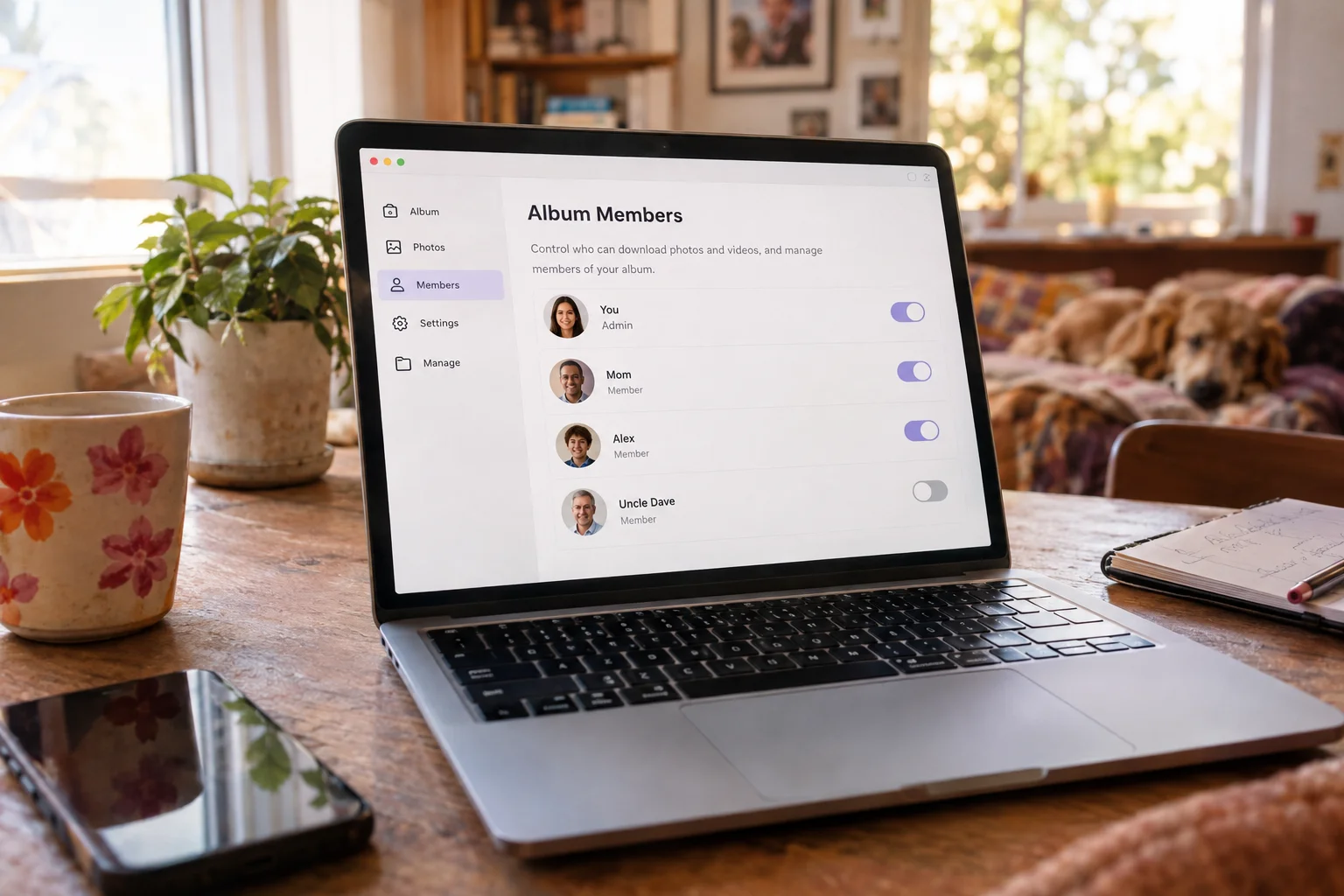
If things go wrong, an admin can remove him from the album in the Manage tab. He loses access right away. Anything he already posted or commented stays visible to everyone else.
Turning off downloads still won't stop a screenshot. That's true of every sharing app, not only FamilyAlbum. An invite decides who sees a photo. You still need to trust the people you invite.
Verdict: the sharing controls are good. Invite carefully, and switch off downloads for anyone like Dave.
Does FamilyAlbum use AI on your photos? Yes, to sort and pick them
"Wait, how did the app know which kid is Maya?"
It recognized her face. FamilyAlbum analyzes your photos automatically, and you'll see the results in a few places.
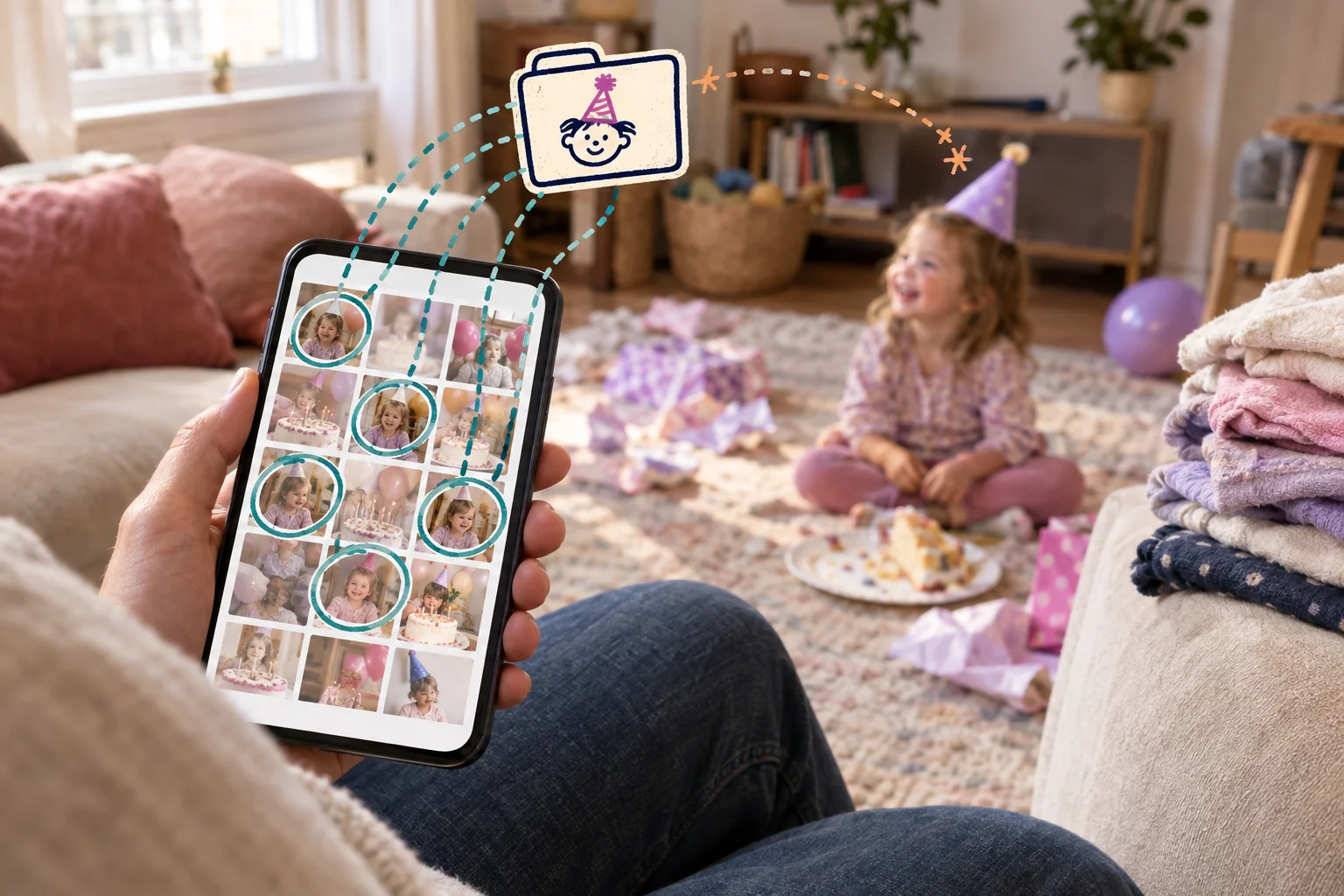
The clearest one is Personal Pages. The app uses facial recognition to sort photos into Child, Children and Everyone pages. It decides who goes where using the child details you registered and how often each face shows up. A neighbor who appears in a lot of photos can get grouped on the Everyone page even if they never joined the album.
The app also makes picks for you. It builds 1s Movies out of one-second clips. Free users get one every three months, and Premium users get monthly and yearly versions. It also suggests monthly photobooks and gives priority to photos you've starred as Favorites.
The privacy policy lists what this analysis produces. That includes face detection results, numeric "fingerprints" of faces and scenes, each detected face's estimated age and gender, and a score the app calculates to flag inappropriate content. The policy says data is used to run and improve the service. It does not say your photos train general-purpose AI models.
Verdict: the analysis is real and it's mostly for organizing your photos. That's useful, and it isn't sinister. Still, if face scanning of your kids bothers you, know that it happens.
How FamilyAlbum stores and protects your photos
"Is anyone at the company looking at the baby's bath photos?"
There are three kinds of encryption, and each one answers a different version of that worry.
Encryption in transit scrambles your photos while they travel from your phone to the company's servers. Think sealed envelope versus postcard: nobody on the coffee shop Wi-Fi can read it on the way.
Encryption at rest scrambles the photos while they sit on the company's servers, so a stolen hard drive is useless.
End-to-end encryption means only your family's devices hold the key. Even the company can't open the photos.
FamilyAlbum encrypts data in transit. On the server side it uses firewalls, strong passwords, two-factor authentication and SSH-key logins for its systems. It doesn't advertise end-to-end encryption. That's normal for family photo apps, partly because face sorting and auto-made movies need the company's servers to see the photos. Missing it isn't a red flag by itself.
The app is run by MIXI, Inc., a Tokyo company founded in 1999 with about 2,100 full-time employees. FamilyAlbum launched in 2015 and passed 30 million registered users in May 2026, more than 40% of them outside Japan. MIXI's corporate privacy policy keeps its servers in Japan, the United States or the European Union. Its FamilyAlbum privacy policy commits to "reasonable steps" to protect your data whenever it's transferred, stored or processed. As a Japanese company, MIXI falls under Japan's national privacy law. Families elsewhere may also be covered by their own local laws.
Verdict: solid, standard protection for a mainstream photo app. If you need a company that can't see your photos at all, look elsewhere.
What FamilyAlbum collects, and who else sees it
"Do they sell my kids' pictures to advertisers?"
No. FamilyAlbum says it doesn't sell user data to third parties, even as anonymized statistics. It also doesn't share photos or videos with advertisers.
Here's what the app collects, in plain terms:
- Account basics: your nickname, your child's nickname and how you're related. Email, the child's birth date and gender are optional.
- Album content: photos, videos and comments, used to run the album and its sharing features.
- Device and usage data: device ID, IP address, time zone, login sessions, cookies and app logs.
- Purchase details: Apple, Google, Stripe or GMO handle payments when you buy prints or Premium. FamilyAlbum doesn't store your card.
Most of that is what any photo app needs to work. The data goes to service providers, print fulfillment partners, payment processors, authorized staff, and authorities when the law requires it. It also goes to marketing and analytics firms, including AppsFlyer.
That last group deserves a second look. FamilyAlbum shares identifiers and profile details with these firms for ad measurement and targeting. Under some US state laws, that counts as a "sale" or "sharing" of data. The privacy policy gives you an opt-out through a dedicated link or in the app's settings.
Verdict: the collection is normal for a photo app, and the company makes a clear promise not to sell your data. If you want less ad tracking, use the opt-out for marketing and analytics sharing.
What the free plan costs you, and what Premium changes
"Unlimited storage for free? What's the catch?"
The catch is ads, plus a steady nudge to upgrade. The free plan gives you unlimited photo and video storage and uploads. Videos max out at two minutes, which covers most toddler footage and very few school concerts.
Premium adds 10-minute videos, uploads from a computer, child-sorted Personal Pages and compilation videos. It also removes third-party ads. You can't hide those ads on the free plan. Banners for FamilyAlbum's own products stay on every plan. As of October 2026, plans run from $2.99 a month for Premium One to $10.99 a month for Premium Family Pro. First-time subscribers get the first month free.
MIXI lists Premium, photo prints and advertising among the main ways FamilyAlbum makes money. Selling photo data isn't on that list.
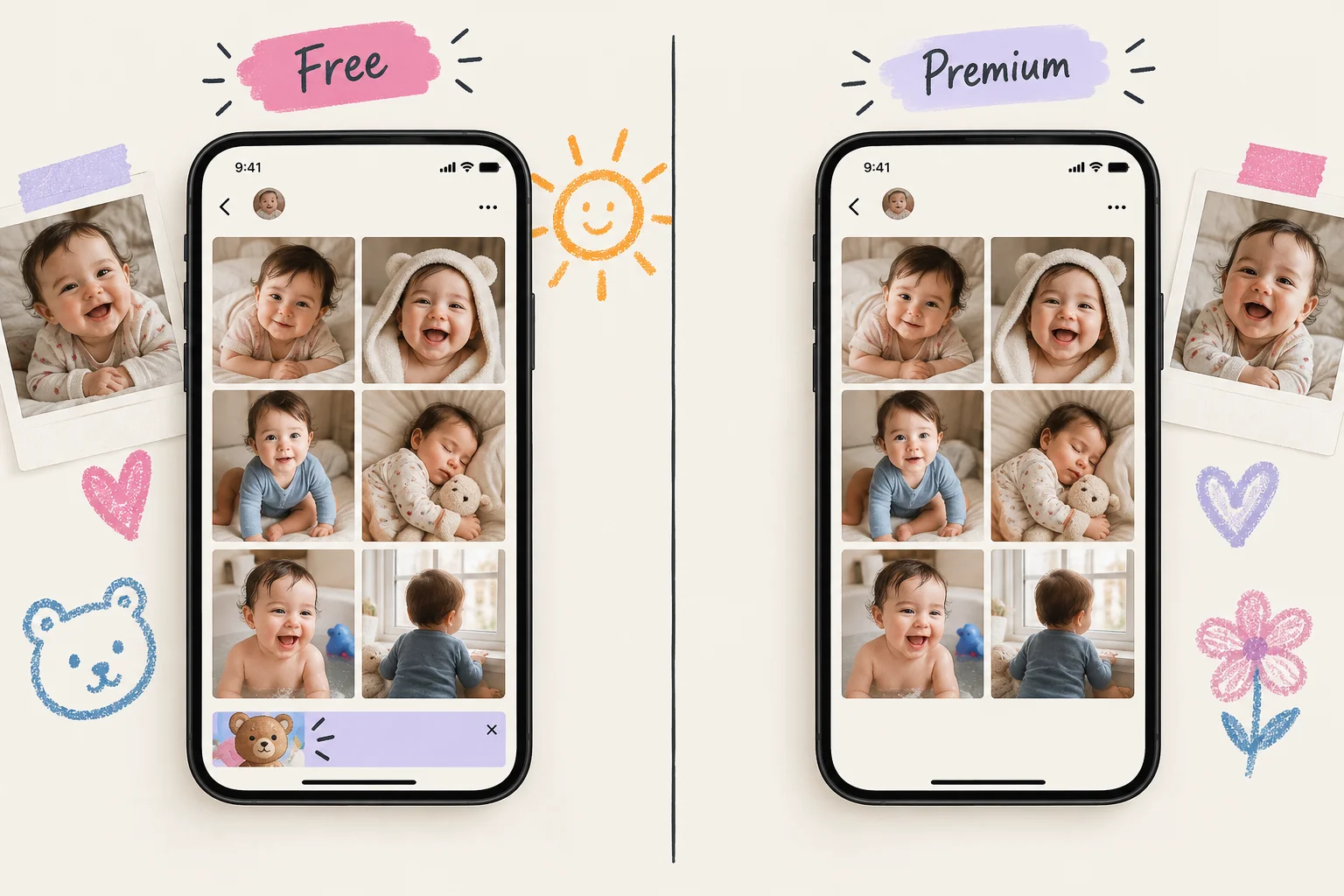
Paying doesn't change how your photos are stored or who can see them. Premium gets you more features and no outside ads. The marketing and analytics sharing described above happens on both plans, so the opt-out is still the setting to change if you want less tracking.
Verdict: free is a fair deal. You put up with ads. Your photos are not what's being sold.
Kids' photos vs. kids' accounts
"My daughter is in every single photo. Is that a problem?"
No. FamilyAlbum is built for adults to run albums full of their kids' photos. A child showing up in a picture you upload is different from a child holding an account, and the rules about kids cover the second case.
The privacy policy says FamilyAlbum doesn't knowingly collect information from anyone under 13 without parental consent, and it deletes that information as quickly as possible if it finds some. That clause is about a child signing up or typing in details on their own. It doesn't stop you from posting bath-time photos for Grandma.
The terms require a parent's consent for minors to use the service. A parent or guardian can also ask to see or delete personal information belonging to a user 13 or under, after verifying their identity.
Verdict: sensible and standard. Keep the account in your name, and make the decisions about who sees your kids' photos yourself.
Getting your photos out and deleting your account
"If we switch apps in five years, can I take everything with me? And does Grandma lose her photos?"
Getting your photos out takes time on the free plan. You save photos and videos one at a time. Saving many at once requires Premium Pro. FamilyAlbum also doesn't promise that saved copies match your original quality, so keep the originals on your phone or in a backup.
To leave, go to Settings, then Inquiries, then Delete Account. If you can't open the app, use the inquiry form. Deleting the whole album is a separate step that goes through Support.
Grandma doesn't lose her photos when someone leaves. When an account is deleted, that member's photos, videos and comments stay visible in the album. FamilyAlbum doesn't publish what happens to admin duties when a parent leaves.
After a deletion request, FamilyAlbum removes your personal data within 30 days, unless the law requires it to keep some data longer.

Verdict: deleting your account is clear and quick. Exporting everything is the weak spot, so keep your own copies as you go.
Is FamilyAlbum the right fit for your family?
"I just want Grandma to see the photos without another group chat."
If that's you, FamilyAlbum is a good fit. Invites are private, admins decide who can download or comment, and Grandma has very little to learn. Parents who use it mention switching off comments to give relatives view-only access.
If you want minimal data collection or end-to-end encryption, look further. The free plan shows ads, and the app analyzes your photos to build its highlights.
If you want a lasting record, FamilyAlbum works well as a shared feed. On the free plan, though, you save photos one at a time, so keep your own backups. Our full FamilyAlbum app review covers the wider feature and pricing tradeoffs.
For families in that last group, one alternative is a private memory timeline. We make Momora, a private baby book app that lets you export everything whenever you want. For a wider side-by-side, see our guide to the best private photo sharing apps for families.
Quick answers about FamilyAlbum
Does FamilyAlbum use AI? Yes. Its privacy policy says AI builds highlights like 1s Movies, detects faces, and flags inappropriate content.
Is FamilyAlbum good? For easy, private sharing with relatives, yes. Expect ads on the free plan.
Which is the safest app for private photos? Look for invite-only access, a clear data policy, encryption, and easy export.
Is FamilyAlbum actually free? Yes, with unlimited storage. Free videos cap at two minutes, and ads pay the bill.