

Family social media without the strangers: what this guide covers
"I posted one bath-time photo and my coworker's husband liked it. I don't even know him."
If that sounds familiar, you're in good company. We'll follow one family through this guide.
June is 9 months old. Her grandma in Ohio wants every photo, ideally before breakfast. Her aunt reshares everything she sees. Her parent has 6,000 photos on one phone, many of them the same nap from slightly different angles.
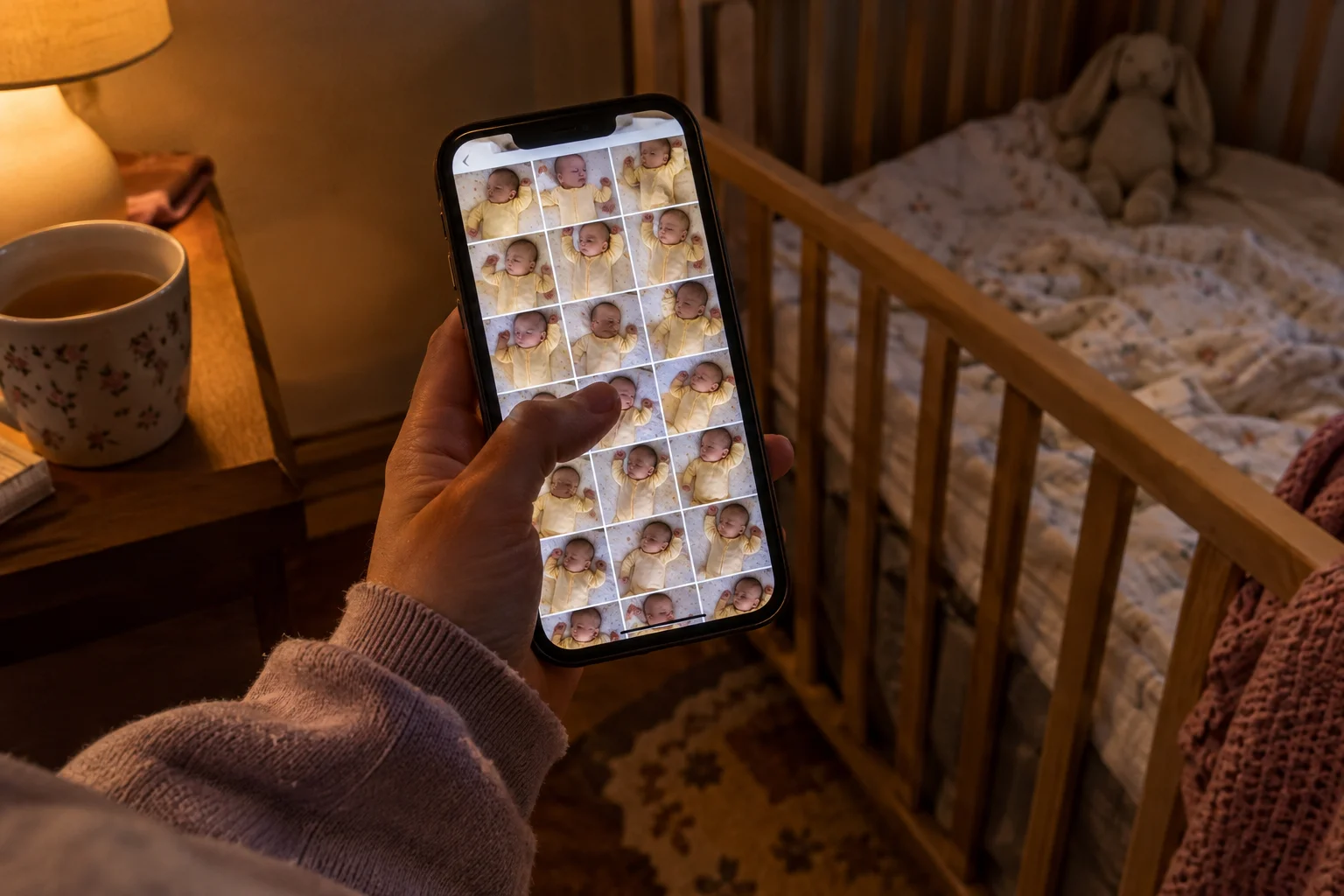
You want family to see June grow up. You'd rather a few hundred near-strangers didn't see it too.
Family is the main reason most of us post at all. Among parents who share about their kids, 76% say easy sharing with family and friends is a major reason. Many parents also feel uneasy about it. In a 2023 national poll, 72% of parents reported at least one concern about sharing on social media, and 31% worried about someone sharing their child's photos without permission.
If you already post publicly, nobody here is judging. Plenty of us started there because that's where grandma was.
This guide covers three things. First, a quick, calm look at why public posting carries some risk. Second, a fair side-by-side comparison of private family sharing apps, judged on the same criteria. Third, a verdict for each type of family, including June's.
The real risks of posting family photos publicly
"It's just a cute photo. Who's going to care?"
Usually nobody. A few things are worth knowing anyway, and each one has a simple fix.
1. Your audience is bigger than your friends list. A "friends" post can reach friends of friends, and June's aunt can reshare it to her own crowd. Even with tight settings, anything posted online can be screenshotted, saved or reshared. Once a photo leaves your account, you can't pull it back.
2. June can't weigh in yet. She's 9 months old. At 13 she may have opinions about the bath photos. Pediatricians suggest thinking about how a child may feel about a post later and involving kids in these choices once they're old enough.
3. Photos can say where you are. Phones can store location inside a photo, and a location tag announces it outright. Then there's the background: a daycare sign, a house number, the same park every Saturday. Phones let you turn off or remove location data before you share.
4. Free platforms run on ads. The FTC found that large social media companies collect vast amounts of personal data to target ads. Day to day, you post June's first birthday and your feed fills with smash-cake ads.
As for June's own account, that's a long way off. Major platforms set the minimum age at 13 to line up with COPPA, the federal children's privacy rule. For now, the job is managing what you post about her.
A few habits cover most of it. Check who each post goes to. Turn off location tags. Agree on a family rule about resharing, and tell the aunt.
You don't have to quit social media to do any of this. Plenty of families keep their public accounts and move the baby photos somewhere smaller, where only the people they invite can see them.
The seven things we checked for every app
"Okay, but which one will Grandma actually open?"
Fair question. We judged every option on the same seven points, each tied to June's family.
- Who can see posts. Only the people you invite, or can a link travel further?
- Invites and access. How the aunt gets in, and whether you can let some people add photos while others only look.
- Ads and data use. Whether the app shows ads or uses your photos for anything beyond sharing them.
- Effort to keep up. With 6,000 photos in the camera roll, an app that needs daily sorting won't last past month two.
- Ease for grandparents. Our test case is Grandma in Ohio. Can she see new photos without calling you for help? Most can try: 79% of Americans 65 and older own a smartphone.
- Platforms. iPhone, Android, web. Mixed-phone families need all of them.
- Price. Free, subscription, or paid extras like printed books.
The options fall into three groups. Baby and family journal apps are FamilyAlbum, Momora and Tinybeans. Built-in shared albums are Apple iCloud Shared Albums and Google Photos shared albums. Family organizer apps are FamilyWall and Cozi.
We list them by group, then alphabetically within each group. That order is the only reason any app shows up where it does.

Seven private family apps compared
Every app here is more private than a public feed. Nobody outside your invite list stumbles onto June's bath photo. The differences come down to effort, focus and cost. Prices are as of fall 2026.
| App | Who can see posts | Invites and access | Ads and data use | Effort to keep up | Ease for grandparents | Platforms | Price |
|---|---|---|---|---|---|---|---|
| FamilyAlbum | Owner and invited members | Parents invite family | Doesn't sell data; collects usage and ad data | You pick and upload | Browser, no install | iOS, Android, web | Premium from $2.99/mo; Family $5.99/mo or $59/yr; Pro $10.99/mo; first month free |
| Momora | Invited family only; never public | Private code; roles for who adds vs. who views, reacts and comments | Private by default; full export anytime, even after unsubscribing | Fills itself from your phone with camera-roll suggestions you approve; about ten seconds to add | Viewer role keeps it simple | iPhone, Android | Momora Plus; free trial for eligible new families; books paid when ordered |
| Tinybeans | Invited family and friends | Account holder invites followers | Ad-free on Tinybeans+ | You pick and upload | Followers see new posts | iOS | Free (20 uploads/mo, 5 GB); Tinybeans+ $7.99/mo or $74.99/yr; 14-day trial |
| Apple iCloud Shared Albums | Invited participants | Up to 100 per album | Part of iCloud | You add photos | Easy on Apple devices | Apple devices | iCloud+ $0.99–$59.99/mo |
| Google Photos shared albums | Invited people | Share an album | Part of your Google account | You add photos | Easy if they use Google Photos | Google Photos | Google One pricing |
| FamilyWall | Family circle | Members join a shared space | Free and Premium plans | Built for schedules and lists; photos secondary | Organizer layout | iOS, Android | Free; Premium $4.99/mo or $44.99/yr |
| Cozi | Family on one account | One shared account | Free version has ads; Gold is ad-free | Built for calendar and lists | Organizer layout | Across devices | Free; Gold $39/yr; Max available |
Strengths and trade-offs, app by app
FamilyAlbum is a baby photo feed for relatives. It sorts uploads by month and shows June's age on each one, and suggests monthly photobooks. The free version caps videos at two minutes, so longer clips for Grandma in Ohio need Premium.
Momora is a private baby book that fills itself from your phone. We make Momora. It suggests the days worth keeping from photos you let it see and drafts captions you approve. Adding a photo, quote or voice note takes about ten seconds, with no streaks or reminders. Grandma can view or contribute, and everything exports. It covers memories only, with no calendar or shopping list, and it's a subscription.
Tinybeans is a private family journal for photos, videos, captions and milestones, where invited relatives can comment or contribute. It also prints photo books. Unlimited uploads and ad-free use need Tinybeans+ after the trial.
Apple iCloud Shared Albums are the easy pick if everyone already has an iPhone. Albums made on version 27 or later keep full resolution with no fixed item cap, but they count against the owner's iCloud storage. Our wider family app comparison goes deeper.
Google Photos shared albums let invited people add photos, comments and likes, and Partner Sharing can share photos of June automatically. Anyone with the album link can view it, which is worth a word with the aunt who forwards everything. More in our Google Photos versus private apps guide.
FamilyWall is a household organizer with a calendar, grocery lists, to-dos and meal plans. Its Gallery shares photos privately, with more storage on Premium.
Cozi handles the shared calendar, to-dos and shopping lists. It has no photo sharing, so June's photos would live in another app.
Matching each app to your family
- If you're all on iPhone and mostly want Grandma to see photos, try iCloud Shared Albums. Invite people by name. A public link opens in any browser, for anyone who has it.
- If your family has mixed phones and you already back up to Google, try Google Photos shared albums. Sharing with specific people gives you more control than sending a link.
- If you want a free feed for lots of baby photos, try FamilyAlbum. It offers unlimited free photo and video storage, sorted by month.
- If you want a timeline that reads more like a journal, try Tinybeans. The free tier has upload limits, so plan on Tinybeans+ if you post often.
- If you want a baby book that mostly builds itself, with quotes, voice notes and a printed book later, try Momora.
- If your real problem is the calendar and the grocery list, try FamilyWall or Cozi.
June's family has 6,000 photos, a grandma who wants all of them and an aunt who forwards everything. They'd likely land on a journal app with invite-only access. That could be FamilyAlbum if free volume matters most, or Momora if they want quotes and a book without sorting the camera roll themselves. Both keep June off the aunt's feed.
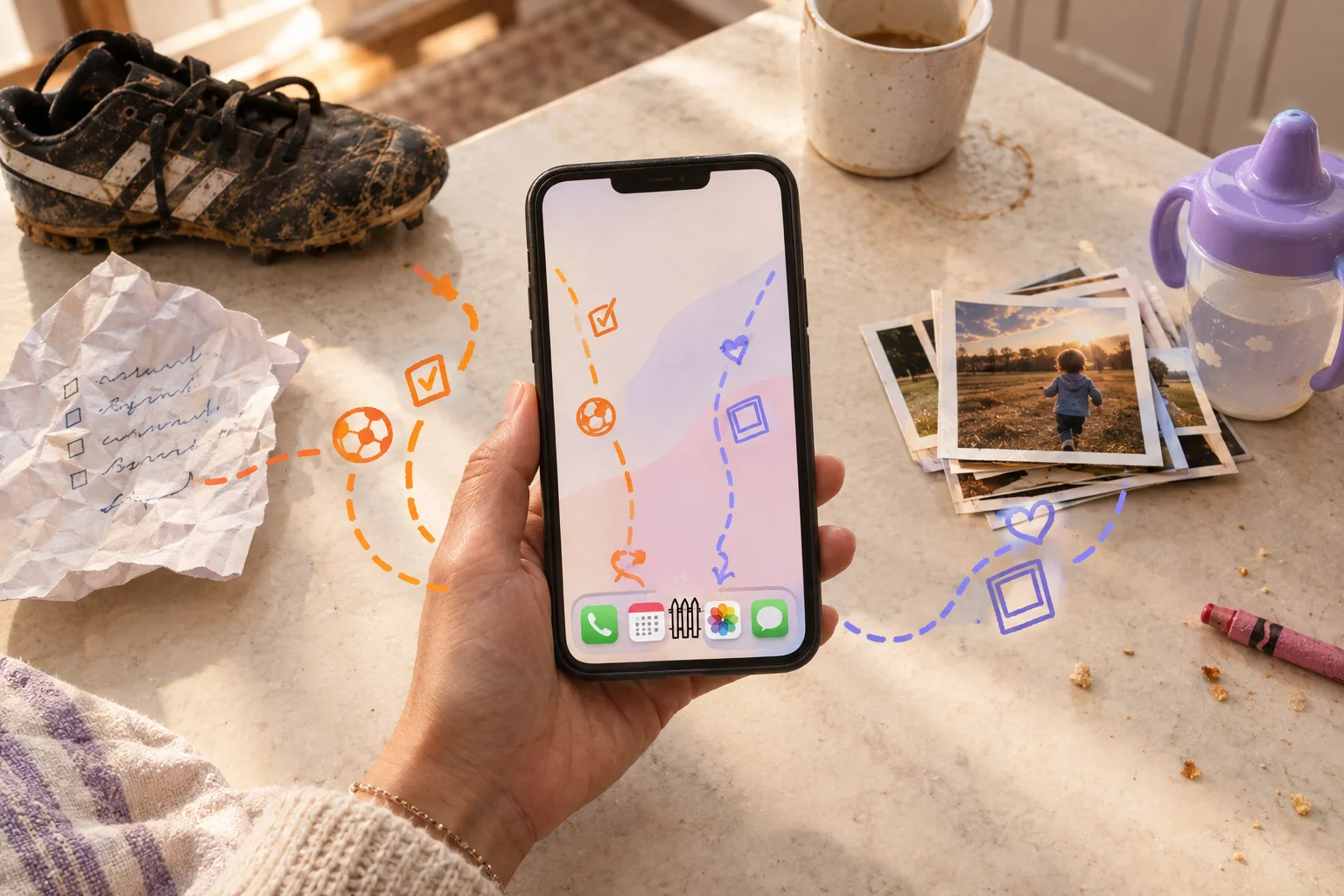
Some families run two apps: Cozi for soccer practice, a memory app for the photos. The grocery list stays out of the baby book.
What to do this week, whichever app you pick
Moving June's photos off a public feed takes about an afternoon, and you can start before choosing an app. Turn off location tagging today. On iPhone, go to Settings, Privacy & Security, Location Services, Camera, and choose Never. On a Pixel, open Camera settings and switch Save location off. Then text the aunt: "Love that you love her. Please don't repost."
If Momora sounds like your family, eligible new families get a seven-day trial of Momora Plus, and if you stop paying, you can still read and export everything.
Private by default. Yours to keep.
For more, see our Google Photos family sharing guide and our comparison of private social networks for families.