

Getting the baby photos to Grandma without Facebook
"My mom asked if she has to join Instagram to see the baby."
That's Dana. She and Marcus live in Charlotte with a 4-year-old and a 10-month-old. Grandma Linda is 74 and lives in Tucson with an iPad she mostly uses for crosswords. Grandpa Ray is in Ohio. Aunt Jess is in Seattle and replies to everything within a minute.
Right now the family's photos live in three places. There's a group text that's mostly "lol" and blurry videos, a public Instagram that Dana keeps meaning to lock down, and a shared album someone made in 2023 that nobody can find. Last month Linda asked for the first-steps video. It took Dana twenty minutes to dig it up.
Linda isn't unusual. AARP found that 76% of grandparents use technology as a primary way to stay connected with grandchildren, through texting, video calls, photo apps and group chats. Grandparents are already on their phones and tablets. The scattered setup is what makes it hard for them.
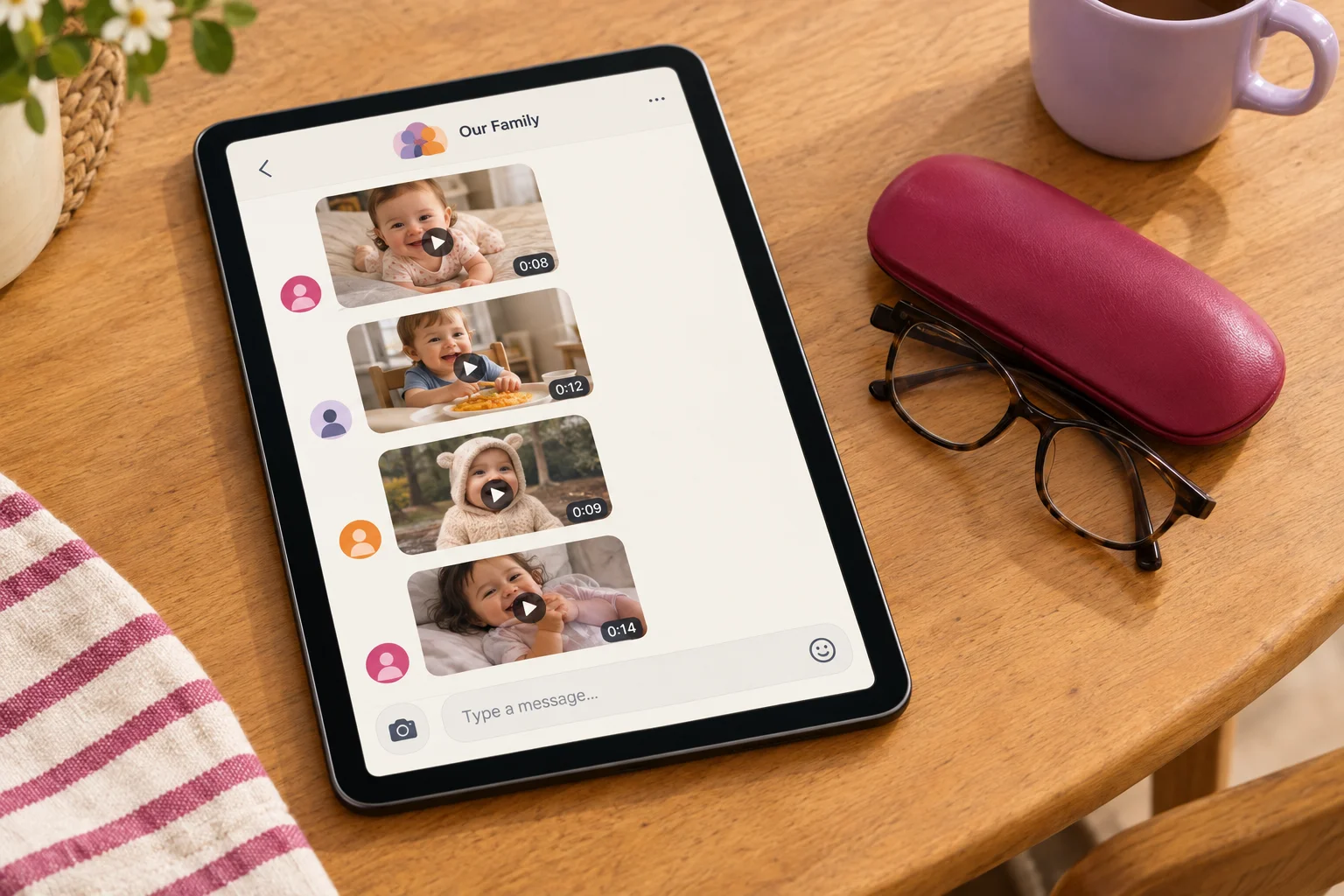
What Dana wants is simple. She wants one private place where relatives, including the ones two time zones away, can see the kids grow up. Strangers shouldn't see it, and there shouldn't be ads or an endless feed.
So that's what this post compares. We judge every app on the same five criteria and put them all in one table. At the end you get a verdict on which app fits which kind of family, and we'll keep checking each one against Dana, Marcus, Linda, Ray and Jess as we go.
Five things a good social network for your family should do
Every app below gets the same five checks. Each one comes back to a single question: does it work for Linda?
- Privacy and access control. Only invited people should get in. You should be able to decide who sees what, and some apps let a relative view without posting. Linda should see the bath video. Her neighbor shouldn't.
- Ads and tracking. Check whether the company earns money from ads, and read what it says about using your data. Kids' photos make this more than a fine-print issue. In the US, COPPA is the rule that covers data collected from children under 13, and it counts a child's photos, videos, voice recordings and location as personal information. UK child-safety agencies recently warned that publicly posted photos of children are being turned into AI abuse images. Their advice is to limit who can see them to people you've chosen.
- Core features. We check four: photos, chat, calendar and location. Few apps do all four, and that's fine as long as you know which ones are missing.
- Ease of use for grandparents. We count the setup steps, check whether Linda has to create an account, and look at whether she can read it on her iPad without hunting for her glasses. If she needs Dana on FaceTime to log in, it fails.
- Free vs. paid. Some apps are free, some are free with limits, and some need a subscription. Knowing which is which up front keeps you from moving the whole family to a new app twice.

The apps also fall into types. There are group chats, shared photo albums, family organizers, location apps and kid memory apps. Each type is built for a different job, so plenty of families end up running two side by side, for example a chat for "running late" and a separate place for the photos Linda wants to see again next month.
WhatsApp and Signal: easy to join, hard to look back through
"Can you resend the video of her blowing out the candles? I scrolled for ages."
That's Grandma Linda, three weeks after the party. Aunt Jess saw the video the minute it landed and replied with four heart emojis. Same group chat, two very different experiences.
Group chats win on reach. There's a good chance half your relatives already have one of these apps, so nobody has to sign up for anything new. Messages arrive instantly. A WhatsApp group holds up to 1,024 people and handles photos, videos, voice notes and reactions. Signal groups hold up to 1,000, and you can invite people with a link or QR code, with admin approval turned on if you want to vet who joins.
On privacy and ads, both keep group chats end-to-end encrypted. WhatsApp's Status and Channels policy says activity in those tabs, plus limited account information, can be used to show ads. Your family group stays encrypted. Signal is run by a nonprofit funded by grants and donations. As of October 2026, it's free, with no ads or tracking. For WhatsApp's current terms, check its site.
Core features stop at photos and chat. There's no calendar, no location map and no organized archive. Everything lives in one long scroll, so last month's video sits under 300 messages about who's bringing rolls.
The phone matters too. Signal keeps messages on the device by default. On iPhone and iPad, iCloud backups don't include Signal history. Its Secure Backups keep all your texts but only the last 45 days of media, unless you pay for the tier that stores up to 100 GB.
For Jess, who wants the news as it happens, a group chat is enough. For Linda, who wants to watch the candles again in March, it falls short.
Google Photos and iCloud albums: easy to fill, harder to share across phones
"Marcus is on Android. Mom has an iPad. Which album do we even use?"
Dana asks this a lot. Shared albums are already on your phone and take seconds to fill, so they look like the obvious answer. The trouble starts with who's on which phone.
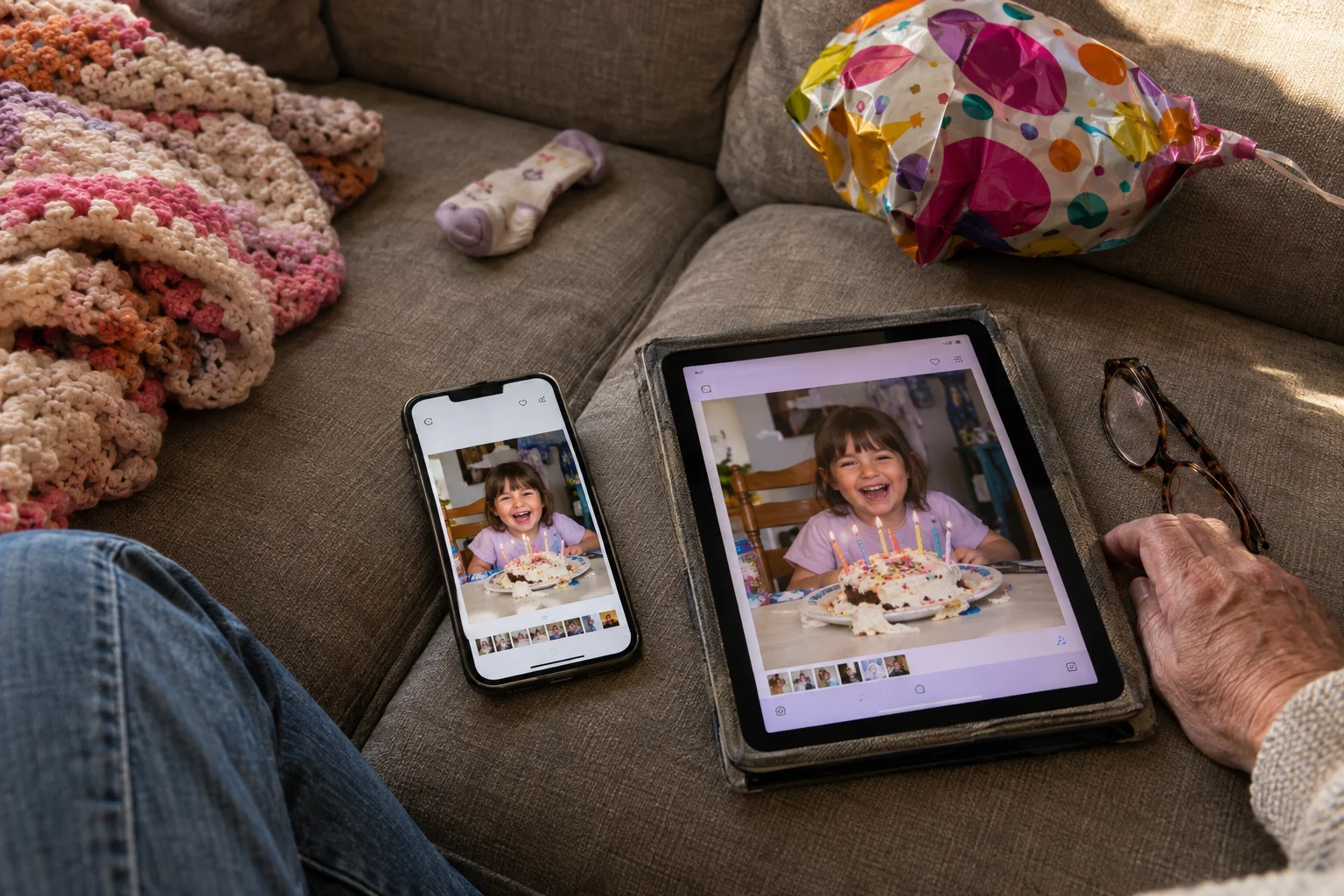
Google Photos lets you share an album by direct invite or link. Anyone with the link can view it. You choose whether people can add photos, and you can turn comments and likes off. Partner Sharing covers one partner only, and that person needs a Google Account.
iCloud Shared Albums hold up to 100 subscribers and 5,000 photos and videos. Linda would be fine on her iPad. Marcus can only see the album if Dana turns on the Public Website setting. After that, anyone with the link can view it. The Shared Photo Library is tighter. It allows six people, and everything counts against the organizer's storage.
On features, both apps handle photos and comments and stop there. Neither has a group chat, a calendar or location sharing. Storage is where the cost shows up. Apple gives you 5 GB free, and as of September 2026 iCloud+ costs $0.99, $2.99 or $9.99 a month for 50 GB, 200 GB or 2 TB. Google One storage is shared across Photos, Drive and Gmail. For current prices, check Google One's plans page.
Our Google Photos family sharing guide explains the sharing options in more detail. For photo-first alternatives, see our private family social media guide.
Cozi and FamilyWall: built for running the house, less for showing Grandpa the kids
"I need Marcus to know it's his turn for daycare pickup. Ray just wants to see the kids."
Dana has two different problems, and family organizers solve the first one well. They're made for the parents and kids under one roof who share a calendar and a grocery list.
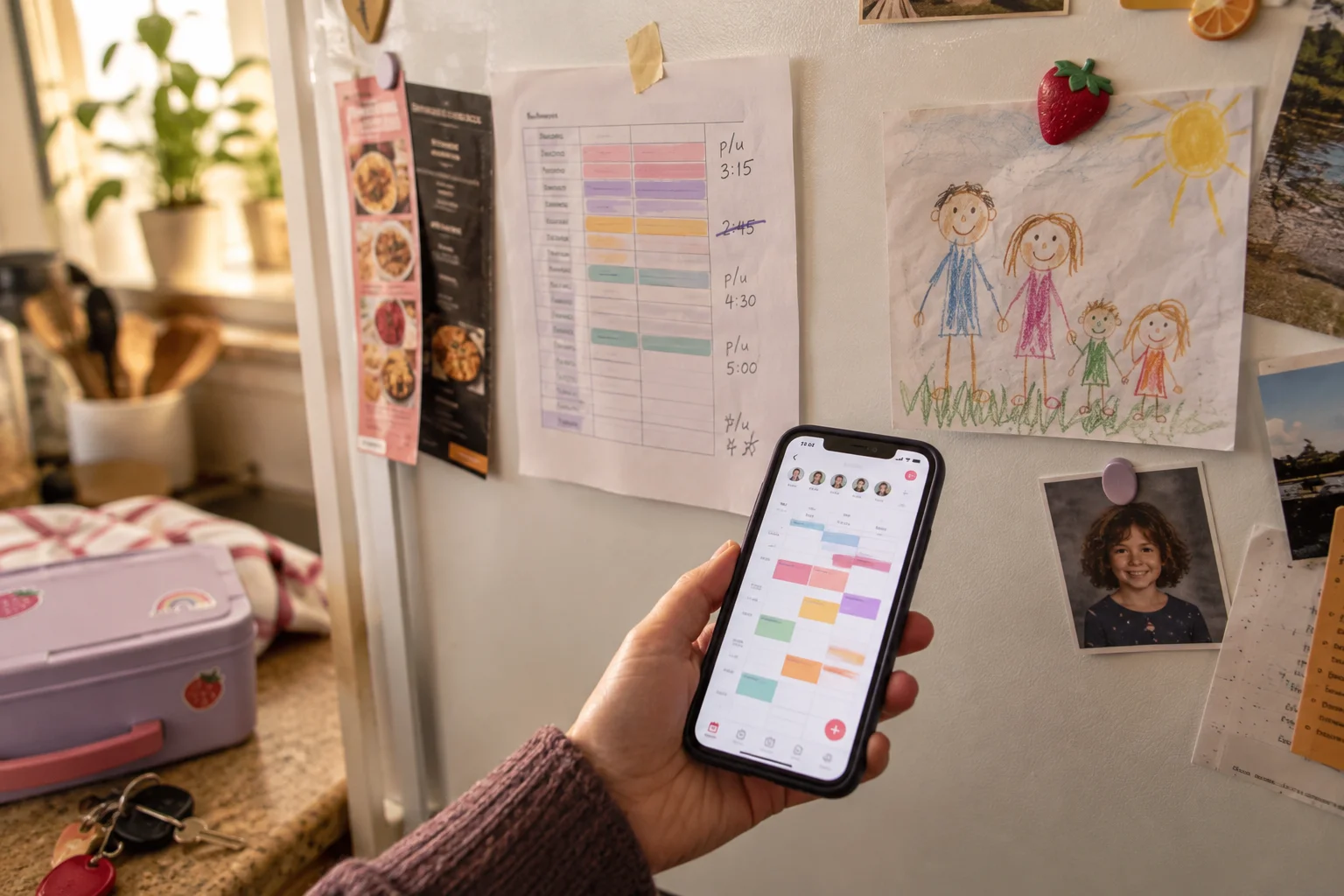
Cozi gives you a shared, color-coded family calendar, reminders, shopping lists, recipe storage and dinner planning. Dana can put Tuesday pickup on Marcus's calendar in a few taps. Cozi stays focused on household logistics and has no photo feed or family chat. Cozi Gold removes ads and adds up to three reminders per event, a mobile month view, calendar search, change notifications and birthday tracking. For the current Gold price, check Cozi's plans page.
FamilyWall covers more ground. It has shared calendars and lists, private messaging, family location with safe-place alerts, and private photo and video sharing. You can also set up separate Circles for extended family, so Ray gets a space for photos without being added to the pickup schedule. As of October 2026, FamilyWall Premium costs $4.99 a month or $44.99 a year. It adds a family locator, place alerts, a meal planner, a budget tracker and Google and Outlook calendar sync. Premium upgrades the first five Circles in your account automatically, and you can't choose which ones.
On privacy, FamilyWall calls itself ad-free on both plans and stores data under EU GDPR rules. Its privacy policy also says it collects advertising identifiers and may share information with service providers that measure marketing campaigns.
For grandparents, these apps can work, but they don't fit as easily. Ray opens FamilyWall to see pictures and lands in an app designed around chores, meals and calendars. Dana's needs are covered. Ray still has to find the photos.
Life360: good for knowing Grandpa got home, not for sharing photos
"Ray drives two hours to his sister's every Sunday. I just want to know he made it."
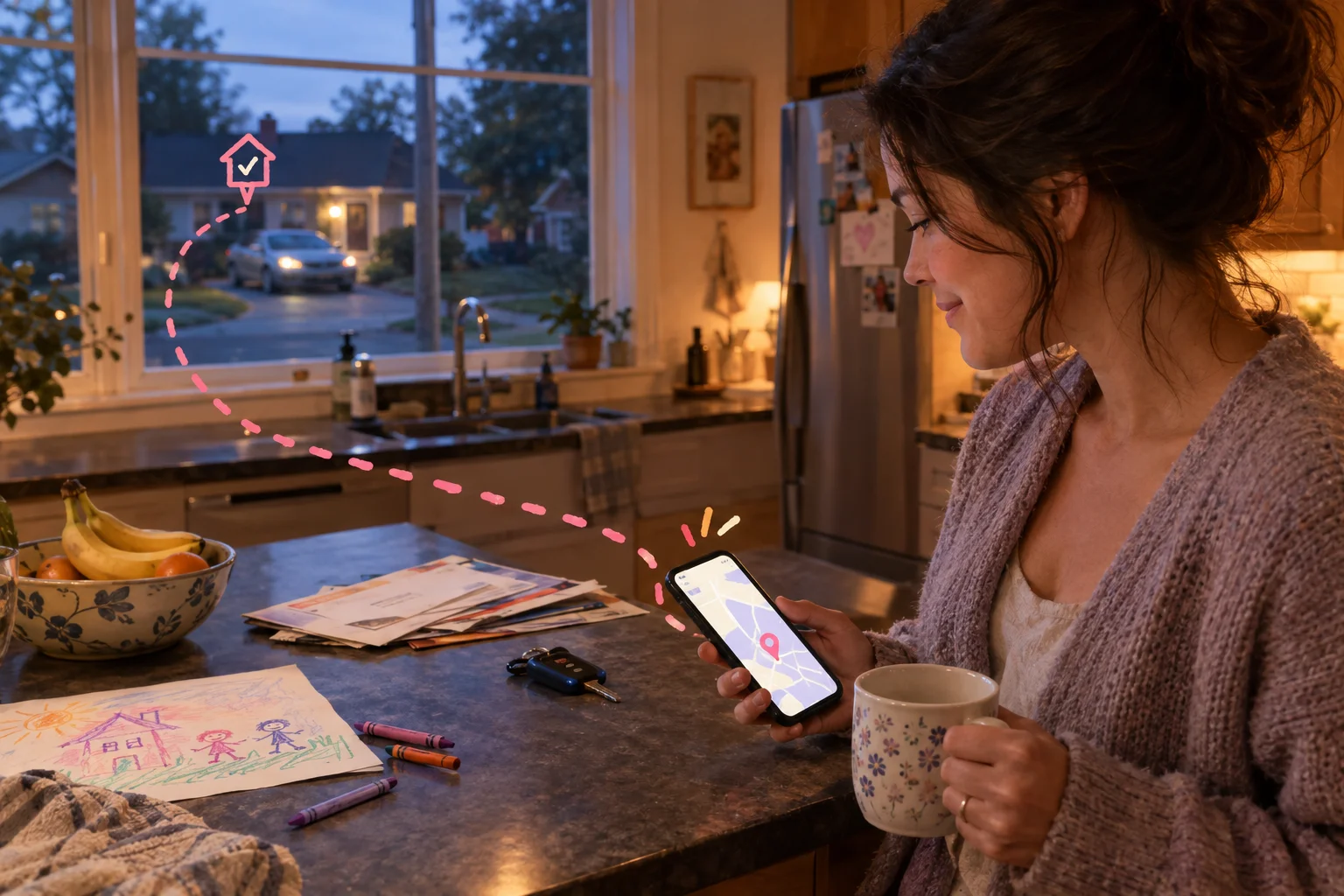
Life360 is built for that. Family members join a private Circle and agree to share their locations. Anyone can pause sharing, and while it's paused the rest of the Circle can't see where they are. The free plan has two days of location history, two place alerts, a family driving summary, crash detection and Tile tracking. Dana can set an alert for Ray's driveway and get a ping when he pulls in. As of October 2026, the paid US tiers are Silver at $9.99 a month, Gold at $16.99 and Platinum at $24.99. Longer history, unlimited place alerts, roadside assistance and 24/7 emergency dispatch are only on paid plans.
Ads are part of how Life360 works. Its advertising disclosure says it uses precise location for targeted advertising. It treats that data as sensitive and lets you opt out under Settings, Privacy & Security, Do Not Sell or Share My Personal Information. If you've turned off tracking for Life360 in your phone's settings, it says you're opted out by default.
Setup is easy for a grandparent once the app is installed. Ray only has to join the Circle. After that he can mostly ignore it.
Life360 has no photo timeline or memory space. It tells you where Ray is and leaves the pictures of the grandkids to another app. Families who use it usually keep it next to that other app.
Tinybeans and Momora: apps built for sharing the kids with relatives
"I don't want another chat. I want one place where Linda can watch the kids grow up."
Kid memory apps are built for that. Both apps here keep a private, dated record of your children that invited relatives can follow.
Tinybeans is a private family photo-sharing app and journal for children's photos, videos, milestones and memories. Only family members and friends you invite to follow a journal can see what you post. Parents use it as a chronological diary for first words and first steps. The free tier allows 20 photo or video uploads a month and 5 GB of storage, and it shows ads. Tinybeans Plus removes those limits. For the current price, check Tinybeans' plan page in the App Store. There's no shared calendar or location feature, so Dana would still need her group chat and Life360 alongside it.
We make Momora. It's private by default, and only approved family members can see it. To join, Linda enters a single-use code that works for seven days, and Dana approves her request. Roles decide who does what. Owners and managers can add and moderate memories. Viewers like Ray can look, react and comment. Photos, videos, voice recordings, funny quotes and scanned artwork all go on one shared timeline. Adding a memory takes about ten seconds, by typing or by speaking. Momora can also look through the photos you choose and suggest days worth keeping, but nothing gets added until you approve it. You can export everything, including words, photos, videos, sounds and artwork, even after you stop paying. Printed books and monthly highlight films are optional extras.
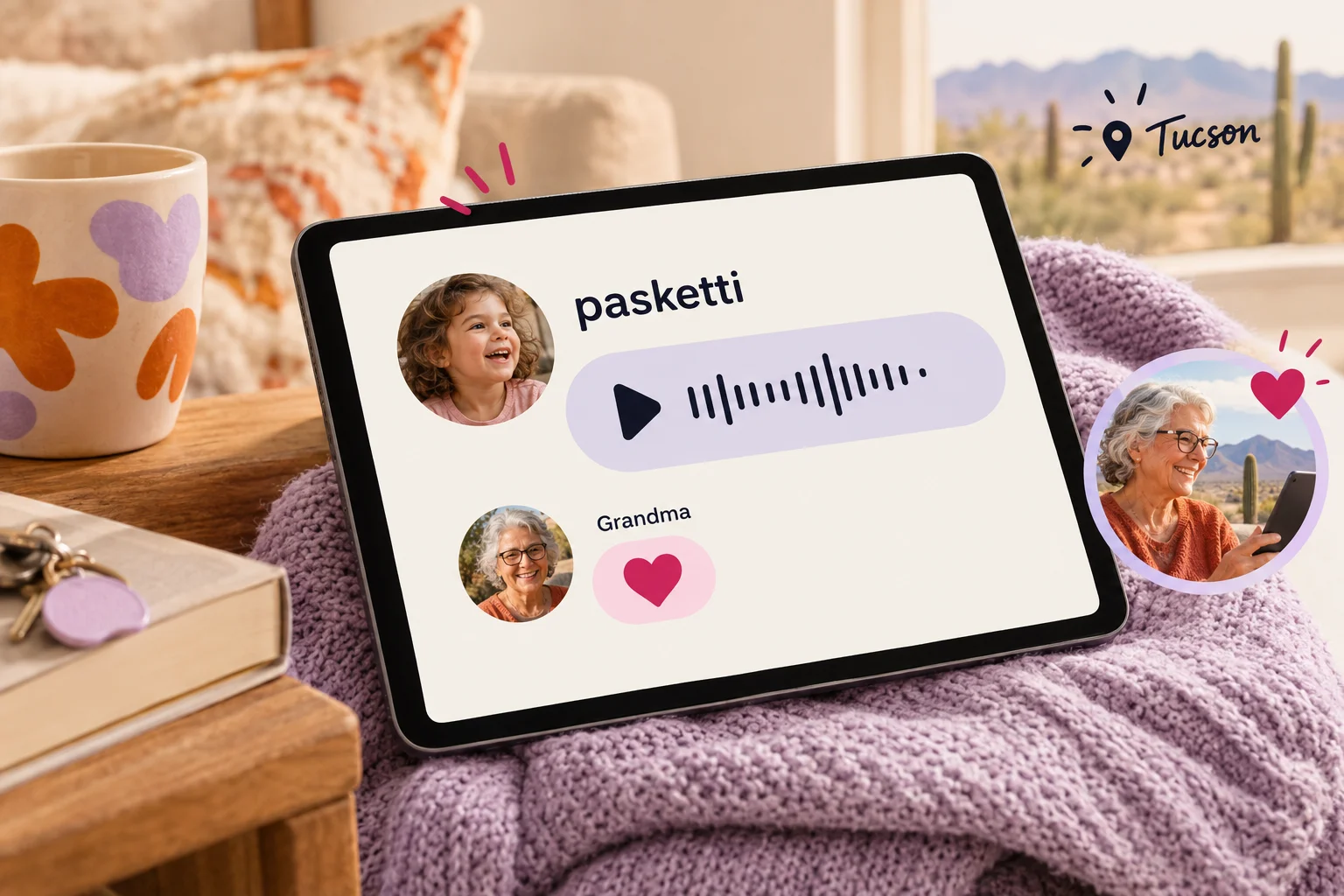
Here's how that looks for this family. Dana records the 4-year-old asking for "pasketti," and Linda hears it in Tucson and taps a heart. The question of who's driving to soccer still goes in the group chat, because Momora only has comments. It has no group chat, no shared calendar and no location sharing. You need a Momora Plus subscription after a seven-day free trial on the annual plan for eligible new families. For the current price, check the subscription page in the App Store or Google Play. Holiday cards only ship to the US and Canada.
The nine apps compared on the same five criteria
"Can't you just put it all in one chart?"
Yes. Prices are as of October 2026.
| App | Privacy and access | Ads and tracking | Photos / chat / calendar / location | Ease for grandparents | Free vs. paid |
|---|---|---|---|---|---|
| Invite-only, encrypted; members see numbers | Ads in Status and Channels only | Yes / Yes / No / Yes | Many already have it | Free | |
| Signal | Group membership controls | None | Yes / Yes / No / No | New app install | Free |
| Google Photos | Chosen accounts or link | n/a | Yes / Comments / No / No | Link works anywhere | 15 GB free; 100 GB $1.99/mo |
| iCloud | Invite albums; Shared Library up to six | n/a | Yes / Comments / No / No | Easiest on all-Apple | Paid tiers |
| Cozi | Household accounts | n/a | No / No / Yes / No | One household | Free; Gold paid |
| FamilyWall | Private circles, GDPR | Ad-free | Yes / Yes / Yes / Yes | One household | Free; Premium paid |
| Life360 | Circle only | Ads; opt out in settings | No / No / No / Yes | Location only | Free; paid tiers |
| Tinybeans | Invited followers | Ads on free tier | Yes / Comments / No / No | Follow by invite | 20 free uploads/mo; Plus paid |
| Momora | Private; single-use code, owner approves, roles | n/a | Yes / Comments / No / No | Code plus one approval | Subscription after trial |
No row fills every box. FamilyWall comes closest, but it's built around one household's schedule, which isn't how Linda in Tucson wants to see the kids.
Chat apps win on reach. Aunt Jess is already there, and so is almost everyone else.
Organizers win on schedules. Pickups, lists and soccer go there.
Memory apps win on keeping things. Tinybeans and Momora give grandparents a dated record of the kids instead of a scroll, and skip chat, calendars and location to do it.
Which app fits your family
"Just tell me which one to download."
Fair. Match the app to what your family does most.
If your relatives are scattered and mostly want to talk, pick a group chat. Choose WhatsApp if getting everyone on board fast is the goal, since many relatives already have it. Choose Signal if keeping data collection to a minimum matters more to you.
If everyone uses the same kind of phone and you only want albums, pick the built-in option. iCloud Shared Photo Library suits an all-Apple family. Google Photos shared albums suit a family with a mix of Android phones and iPads.
If your household runs on pickups and lists, pick an organizer. Cozi keeps it simple with a calendar and lists. FamilyWall adds more tools on top.
If safety and whereabouts come first, pick Life360. It fits best for families with teens who need location sharing and driving alerts.
If you want grandparents to see the kids grow up, privately and in order, pick a kid memory app. Tinybeans has a free tier and milestone tracking. Momora is subscription-only after the trial. It puts voice clips, quotes and scanned artwork on the same timeline as photos, and lets you assign roles so each relative can either add memories or only view and comment.
Dana and Marcus ended up with two apps. The group chat stays for "running late" and "who has the car seat." A memory app gives Linda, Ray and Jess the 10-month-old's first wave without the scroll.
Plenty of families land in the same place: one app for talking and one for keeping.
How to try Momora with one relative
"I don't want to move the whole family onto a new app."
You don't have to. If the memory-app row fits, start with one person. Invite Grandma with a private code, add one memory, and see whether she comes back to it.
Three promises are in writing. Missed weeks aren't punished, since there are no streaks or reminders. You can export everything at any time, so your memories are never held hostage. Journals are private by default, visible only to invited family.
Momora is on the App Store and Google Play, with a free trial for eligible new families. You can read more on the Momora homepage.
The group chat can stay. Someone still has to ask who has the car seat.