

The short verdict on Tinybeans
"She took three steps toward the couch. I got it on video. Now I have to text it to both grandmas, my sister, and somehow remember it was a Tuesday at Grandpa's house."
Tinybeans handles that moment well for sharing. It is a private, invite-only family journal where relatives can view, react and comment in the app or through email updates. It sorts memories by date. You post the video once, and the grandparents see it without a separate group text.
As a lasting baby book, it fits less cleanly. The free plan caps you at 20 uploads a month. Tinybeans+ costs $7.99 a month or $74.99 a year as of October 2026, and it adds unlimited uploads and ad removal. Exporting your memories is listed as a paid-plan feature, so getting years of videos back out may depend on whether you still subscribe.

Tinybeans is a good fit if you want regular private updates for family. If you also want it to be the baby book, plan to pay for the subscription and export your memories on a regular schedule, or keep your own backups.
How Tinybeans holds onto the story behind a photo
"I have the video. I just can't remember if that was Grandpa's house or ours."
A video shows the three wobbly steps. It doesn't tell you, five years later, that it happened on a Tuesday at Grandpa's, or that your sister was laughing off-camera. A shared album covers today. A baby book has to keep the date and the story attached to the clip.
Tinybeans is built for the second job. You can add photos, videos, quotes, stories and voice notes, and the app files each memory by date in a calendar view. The same content syncs between the app and the website, where you can scroll a feed or jump to a date. Android users can batch upload photos and videos, and a 2023 update added search by caption.
That setup suits a baby book. Typing "first steps, Grandpa's living room, Aunt Jess cheering" into the caption gives you context now and something to search for later. The calendar answers "when was that?" without scrolling through thousands of camera-roll shots.
There are two limits. Dates come from the file itself, and Tinybeans' help page warns that transferred media may carry inaccurate dates. If you saved the video through a messaging app, check the date before you trust the calendar. Reliability is also hard to judge from the outside. A 2026 review by the founder of a competing app collects 2024 and 2025 user complaints about freezes during video uploads, calendar photos not loading and captions getting cut off. Those reports describe real frustrations, but they can't tell you how the app performs today.
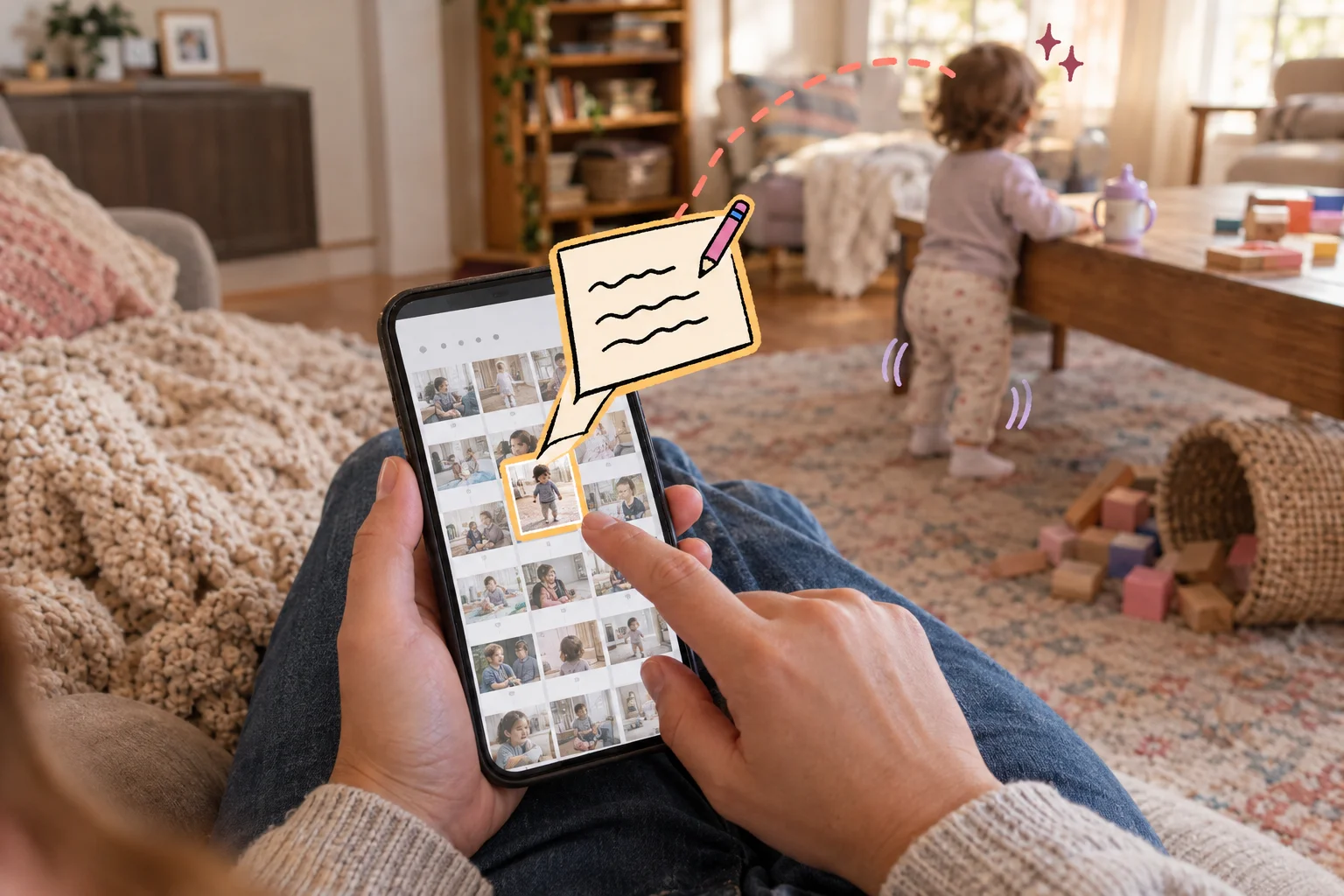
The caption is the part that turns a shared clip into a baby book entry, and Tinybeans leaves you room to write it.
What grandparents see when you share the first-steps video
"Grandma doesn't do apps. Will she even see it?"
Probably, yes. A Tinybeans journal is private, so nobody finds it by searching. You send an email invitation, and that invitation creates an account for the relative. From the app, you can also invite by QR code or a one-time link sent by text, WhatsApp or email. Those links last 24 hours. If Grandma opens hers on day two, you will need to send a new one.
Once she's in, she has three ways to watch those three wobbly steps. She can use the app, the website, or a private web page built for relatives without smartphones. Relatives who skip both can get updates straight to their inbox and react and comment from the email.
The roles split like this:
- You, the parent, invite people, upload the video, and write the date and story.
- Grandma views, reacts and comments, and she does all of that for free.
Followers are not described as people who upload memories or manage the journal. If you picture Grandpa adding his own photos of that afternoon, ask Tinybeans support whether he can before you plan around it. Paid plans cover the parent's side of the account, and the next section explains what they include.
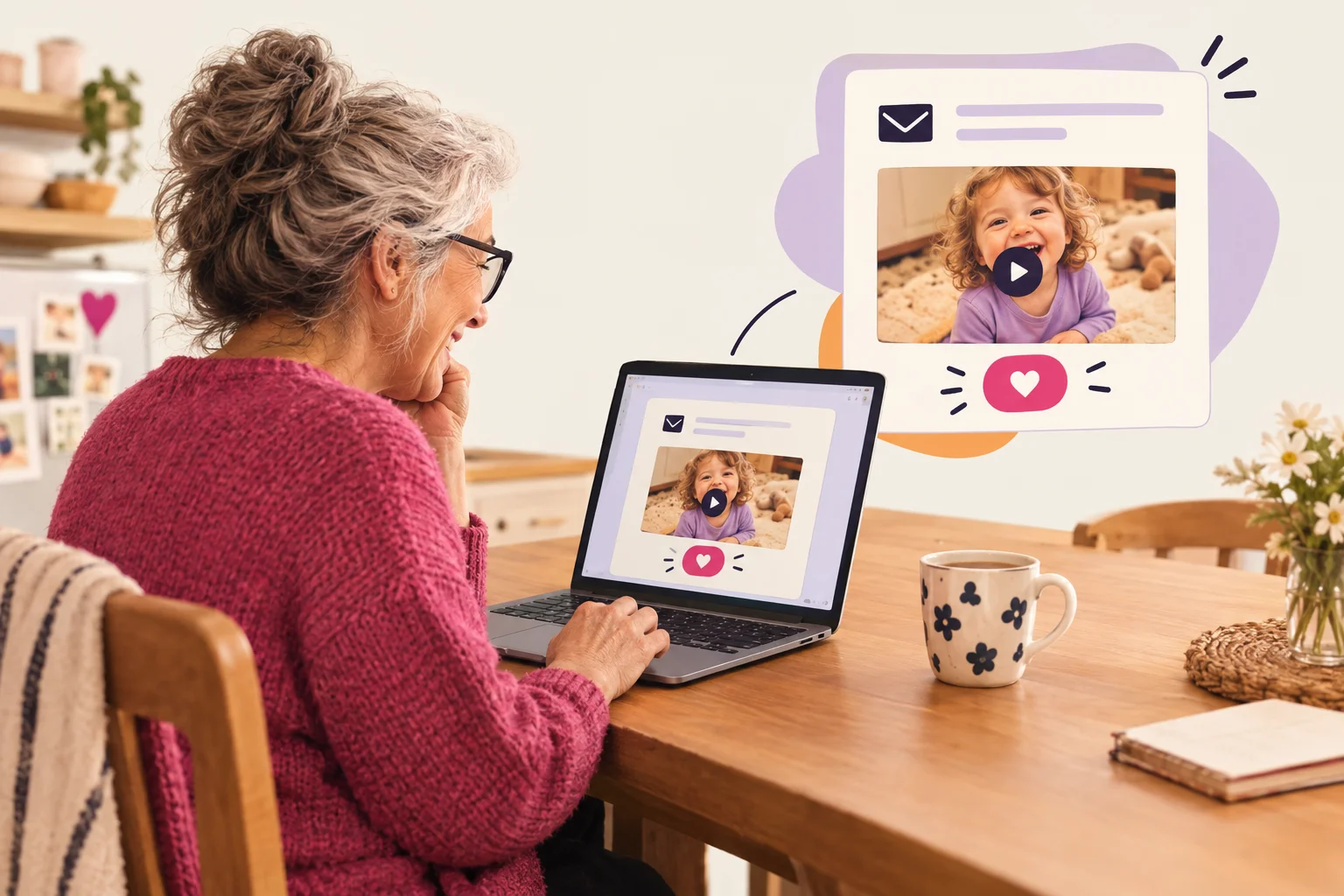
There is some friction for less techy relatives. New followers are signed up for daily update emails automatically, and switching to weekly means logging in and finding the settings. Some grandparents will love a daily email. Others will start filing it under spam by Thursday.
Keep two questions apart when you decide. Easy viewing for Grandma is one. A baby book that keeps the story attached to the video for years is the other. Tinybeans does well on the first, and the second depends on how much of the story you add yourself.
Free plan or Tinybeans+: what you pay and when it's worth it
"Do I have to pay just so Grandma can watch a video?"
No. Relatives who follow your journal view and comment for free. The money question is about you, the uploader, and how much you post.
The table below reflects US pricing in US dollars on the Apple App Store and Tinybeans' FAQ, as of October 2026.
| Free plan | Tinybeans+ | |
|---|---|---|
| Price | $0 | $7.99 a month or $74.99 a year |
| Uploads | 20 photos or videos a month | Unlimited, videos up to five minutes, 200 GB of storage |
| Family access | Invited relatives view and comment free | Same, plus a second user account |
| Other differences | Ads around the family journal | Ad-free, priority support |
The App Store page also shows older listings at $4.49 a month and $39.99 a year. Those are legacy plans. New subscribers pay the standard price. Subscribers outside Australia are charged in US dollars, so a parent in Canada or the UK will see a converted amount on their card. Tinybeans has also offered a 14-day period to try Tinybeans+ features without paying upfront. That trial is separate from the free plan.
Back to the first-steps video. Say you post a handful of highlights each month, mostly photos, for two grandparents. Twenty uploads may cover you, and the free plan works. Now say you film everything, both parents want their own login, and clips run longer than a minute or two. You'll hit 20 by mid-month in a busy stretch, and the second account and five-minute videos only come with Tinybeans+. At $74.99 a year, that's about $6.25 a month.
The limit most likely to change your decision is the 20-upload cap. Ads are an annoyance. A capped month means the first-steps video waits, or someone pays. Our FamilyAlbum review covers an alternative with free unlimited photo storage.
Who can see your child's photos on Tinybeans, and what happens to the data
"If it's private, nobody else sees the first-steps video, right?"
Mostly right, for the people part. Tinybeans says uploaded photos and videos are viewable only by family and friends you invite, and that you decide who those people are. Grandma sees the video. A stranger searching online doesn't.
That control stops at the invitation. Once Grandma can watch the clip, she can save it, screenshot it or forward it to her book club. "Private" describes who gets access, and it doesn't stop copies from leaving the app. Tinybeans also doesn't claim end-to-end encryption.
What Tinybeans does with your data is a separate question from who can see your photos. The privacy policy lists usage data, registration details, transaction records and uploaded content among what it collects. It says service providers may process that data under contract. It promises "reasonable" precautions and secure servers, and it also says no security measure is perfect. That is the company's own description of its safeguards. No outside audit backs it up.
Advertising is where the details get murky. Tinybeans says it will never sell your data and uses it to curate articles and recommendations. Its App Store listing, checked September 12, 2026, says identifiers, usage data and location are linked to you for third-party advertising, and some categories may be used to track you across other companies' apps. "We don't sell data" and "we use data for ads" can both be true. Each parent will be comfortable with that to a different degree.
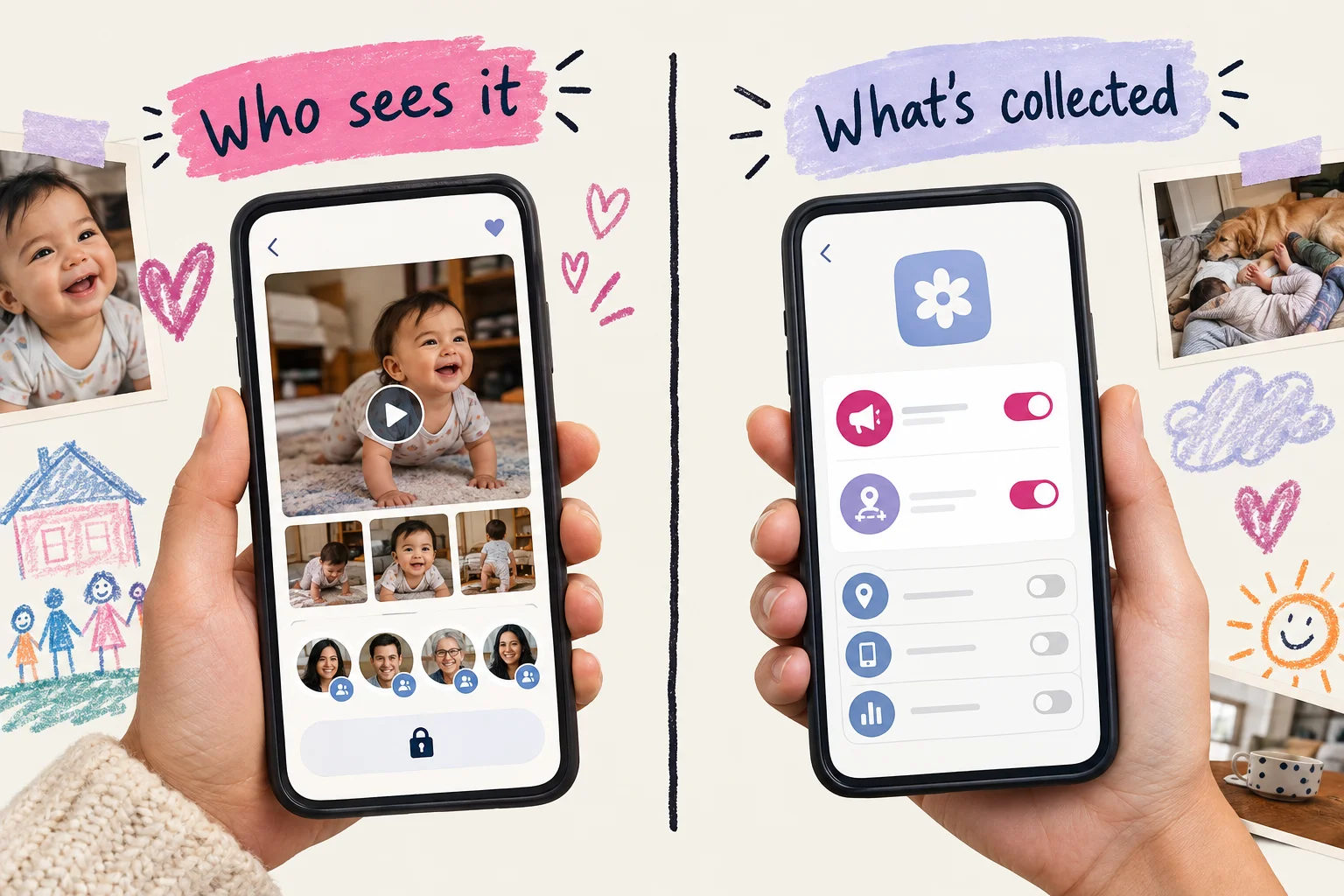
Before you upload years of photos, ask yourself two things. Are you comfortable with ad-linked data on the free plan? Do you trust everyone on your invite list to treat the videos the way you would?
What you can take with you if you leave Tinybeans
"If I stop paying, do I lose the first-steps video?"
No. Canceling Tinybeans+ doesn't delete your memories. Paid features run until the end of your billing term. After that, the journal goes back to the free, ad-supported version, with uploads capped at 20 memories a month. Invited family can still view it for free.
Canceling is one step. Getting your memories out is a separate step, and deleting your account is a third. Here is how each one works.
What comes out. Anyone can save a single photo or video from a moment's three-dot menu by tapping "Download." A full export is a Tinybeans+ feature. You request it on the website, and Tinybeans emails you download links, one month at a time. It recommends asking for no more than three years per request. The links expire after five days.
What stays attached. You'll get the video file. Tinybeans doesn't say whether the caption, the date or Grandma's comment come out with it. It also doesn't name the file format or say whether files keep their original quality. Captions do carry into its photo books. For a baby book, the caption and the date are the parts that tell you what happened.
Who can retrieve it. Only the journal owner, or a follower you've given Full Access, can request a bulk export. Owners can also turn off followers' downloads.
What happens after you delete. You can delete your account in the app or by contacting Tinybeans. The FAQ doesn't give a deletion timeline or say how long data is kept afterward.
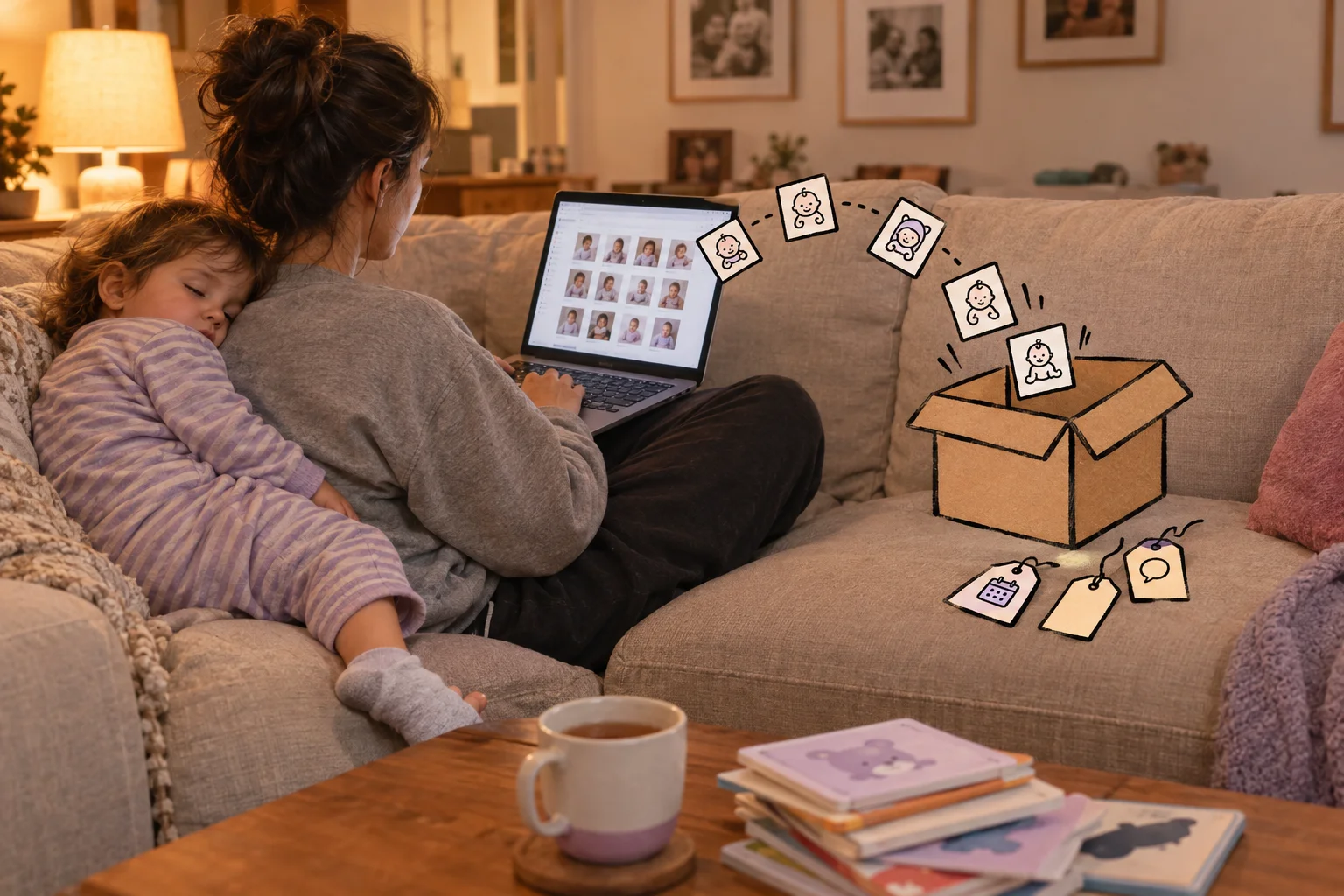
If Tinybeans is going to be your only archive, export a few months while you're still subscribed. Then open the files and check whether the stories came with them.
Who Tinybeans fits, and who should look elsewhere
"I just want Grandma to see the video. Is that enough reason to sign up?"
Often, yes. Tinybeans is a good fit if you post family updates regularly and want relatives to view and comment from the app or a browser. It also suits you if a dated visual diary with optional printed photo books covers what you mean by "baby book."
Consider another approach if any of these sound like you:
- You only need a simple shared album, and child profiles and photo books are more than you'll use.
- You want longer stories, and a photo with a caption feels too thin.
- You need a documented way to export the whole record with its captions and dates.
One alternative is ours. We make Momora. It's a private family timeline where you type or speak a memory, attach photos or video, and export everything later. It won't suit every parent either.
Choose based on your list of needs, not on either brand's homepage. That list might be one grandparent's viewing habits, how much you write, or whether you'll ever print. Our Tinybeans vs FamilyAlbum vs Momora comparison applies the same questions to all three.
A quick check before you upload everything
"We have 3,000 photos. Do we move them all this weekend?"
No. Start small. Upload a handful of non-sensitive photos, invite the one relative who will actually use it, and see what she sees. Before you choose a plan, check Tinybeans' current terms. The free plan caps you at 20 uploads a month, and that cap fills up quickly once you start posting videos. Read the export instructions before you load a large archive, so you know how the photos and their captions come back out.
Then go back to the first-steps video. Grandma can watch it tonight. The harder question is whether, twelve years from now, you can still find it with the date and the story about who was in the room.
Three questions decide it:
- Can your family view it as intended?
- Can you afford the plan you need?
- Can you retrieve the memories and their context later?